Results
Holes
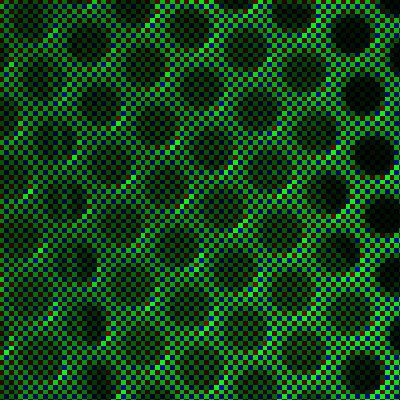
Figure 1. Original Holes
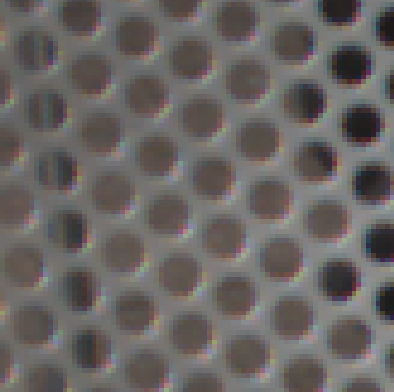
Figure 2. Demosaicked Holes using Bilinear Interpolation
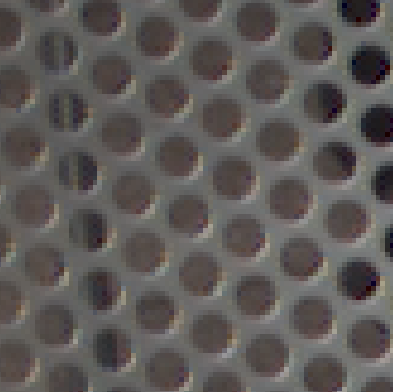
Figure 3. Demosaicked Holes using PCSD
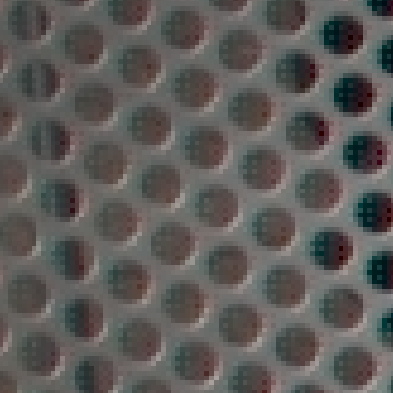
Figure 4. Demosaicked Holes using Alternating Projections
Observations:
Color Aliasing : When Bilinear Interpolation is used (Figure 2), red, blue and yellow (caused by color aliasing of the red and blue channels) is seen at the bottom right of every hole. This color artifact caused by channel aliasing, although not as obvious as the case when Bilinear Interpolation is used, also exists in the PCSD demosaiced Holes image (Figure 3). No color channel aliasing is seen when Alternating Projections is used (Figure 4).
Dot Color Artifacts : Greenish blue dots are seen at the upper left edge of the holes when Holes is demosaicked using Alternating Projections (Figure 4).