Red Eye Reduction and Color Balancing? Looking Through Life with Different Colors
Chia-Hao (Jack) Yu
Alexan@leland.stanford.edu
Observation
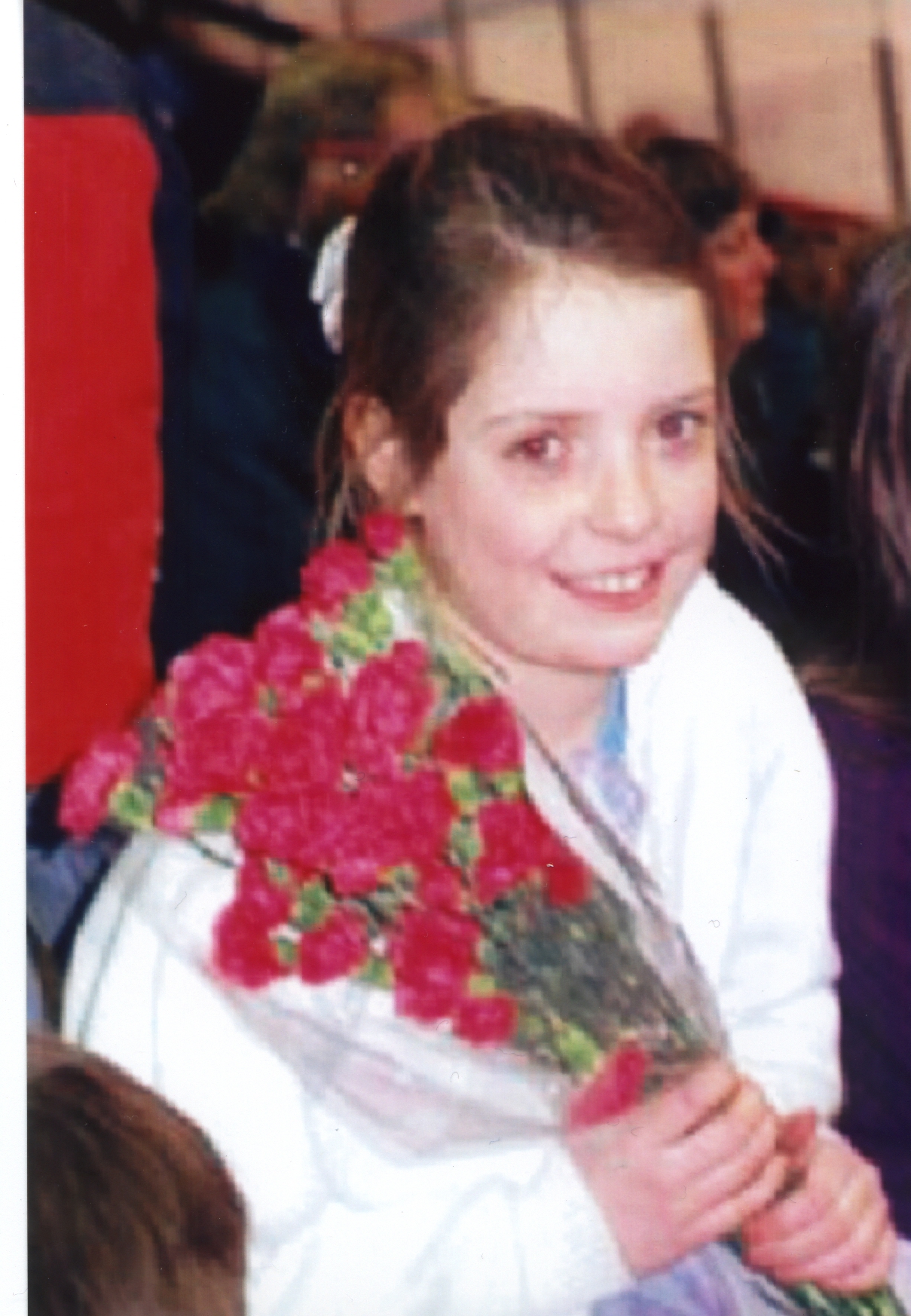
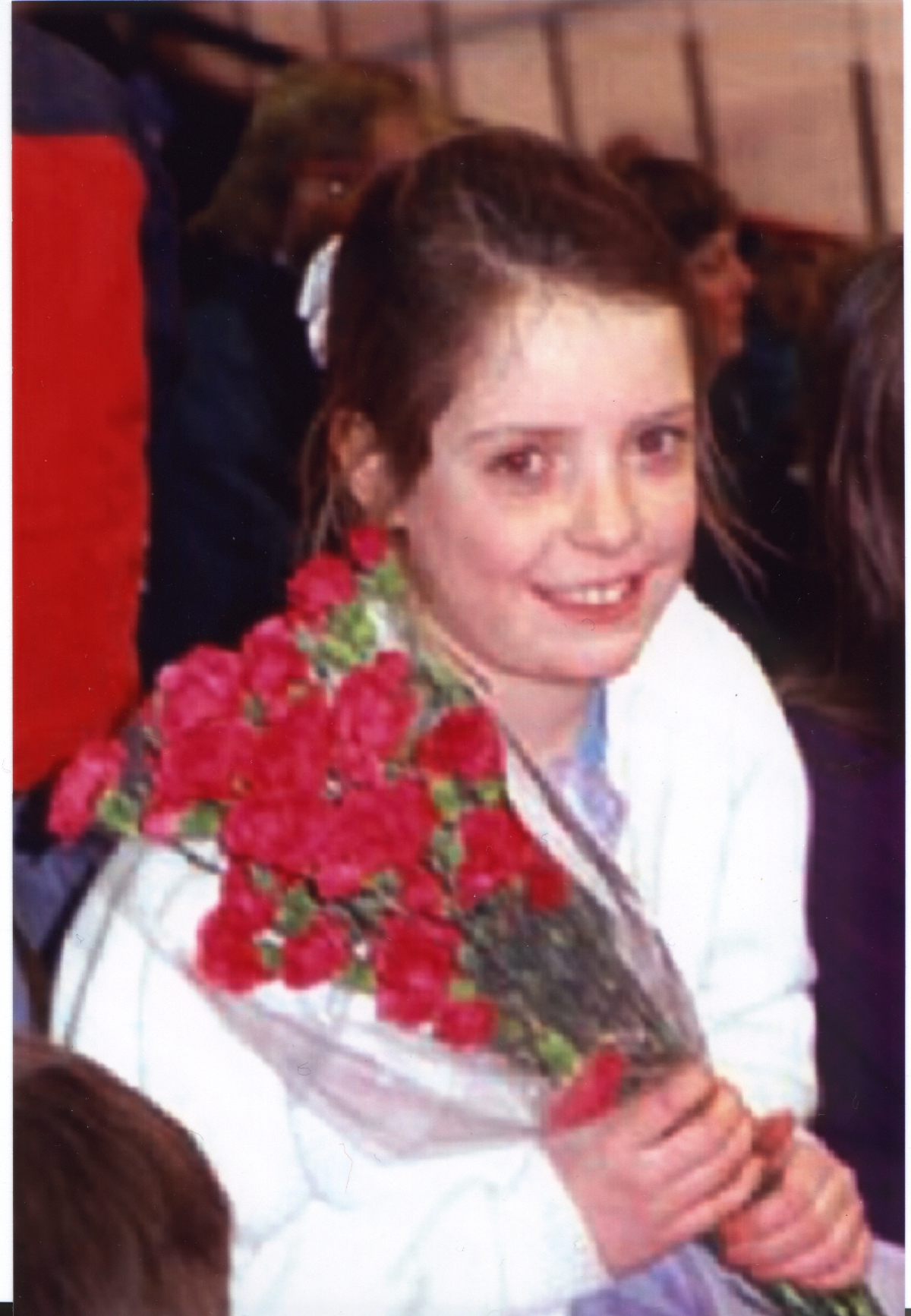
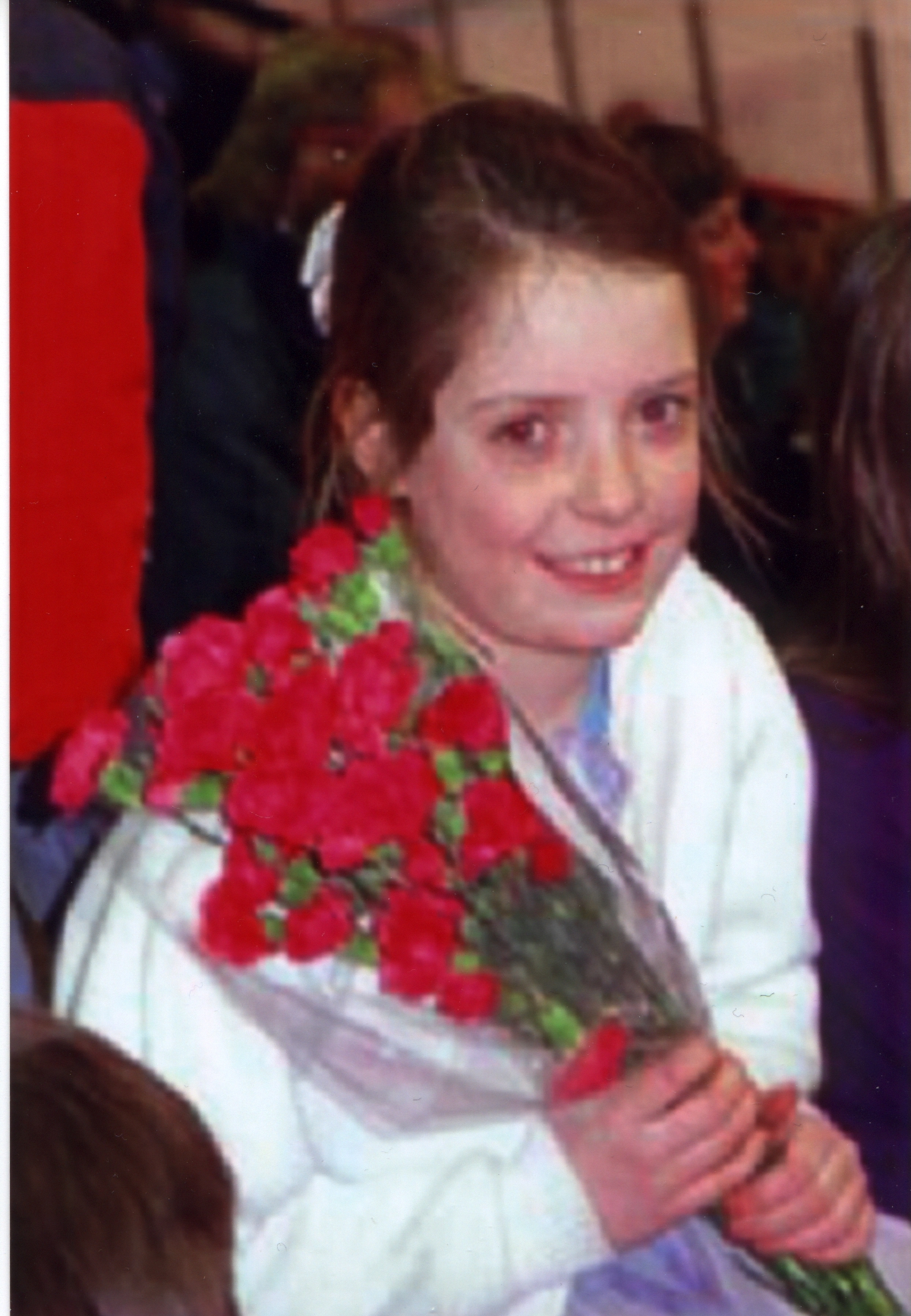
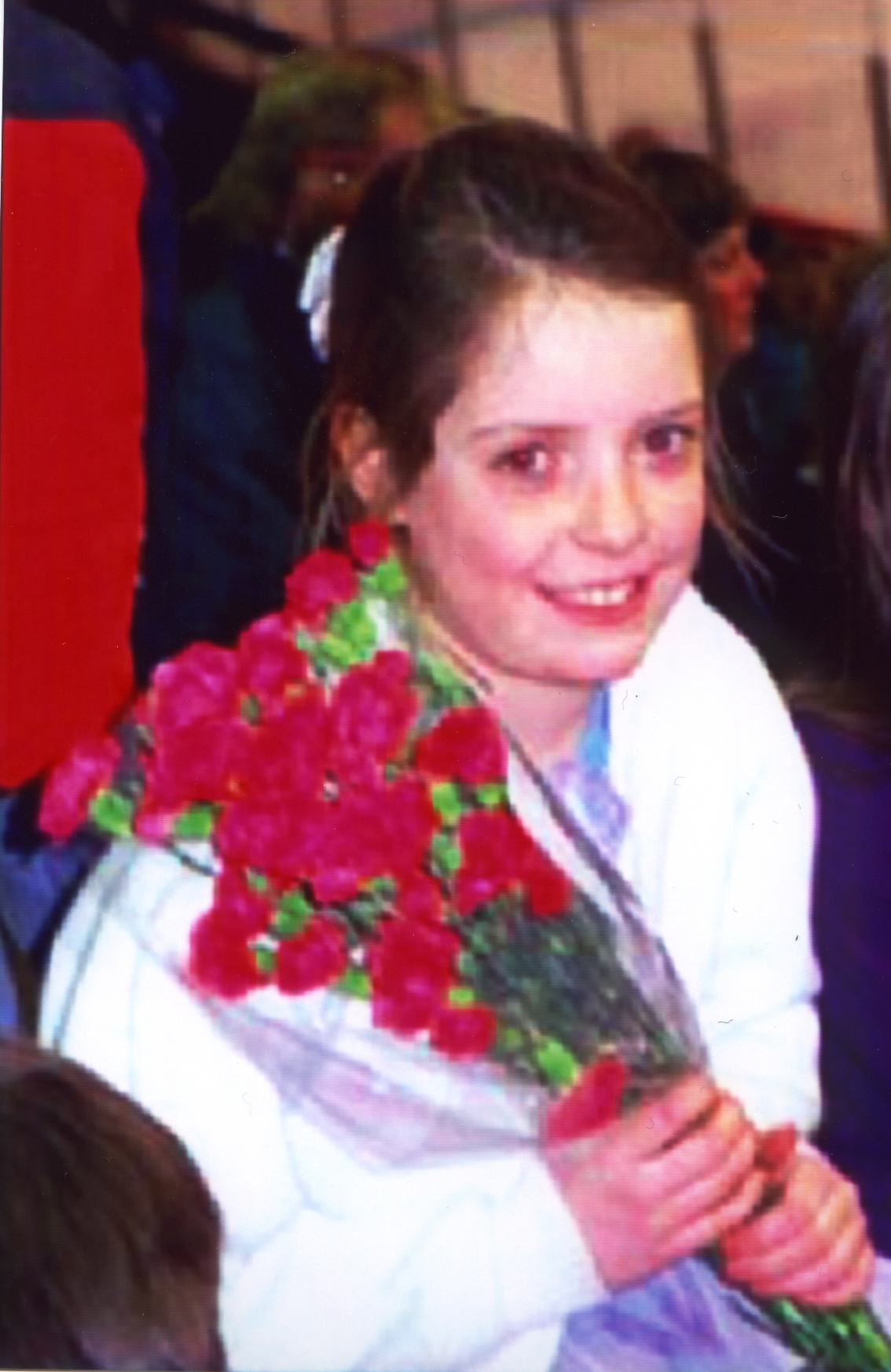
To evaluate the pictures received from each individual companies, we first determined whether or not the red eye had been removed. Not too surprising, none of the red eyes was removed, and thus we knew that there was no post-possessing in determining the "quality" of the eyes in a human face. Feature recognition was still one of the most difficult and computationally intensive problem to date, and removing red eyes from digital images might not be economically feasible for simply web photo printing.
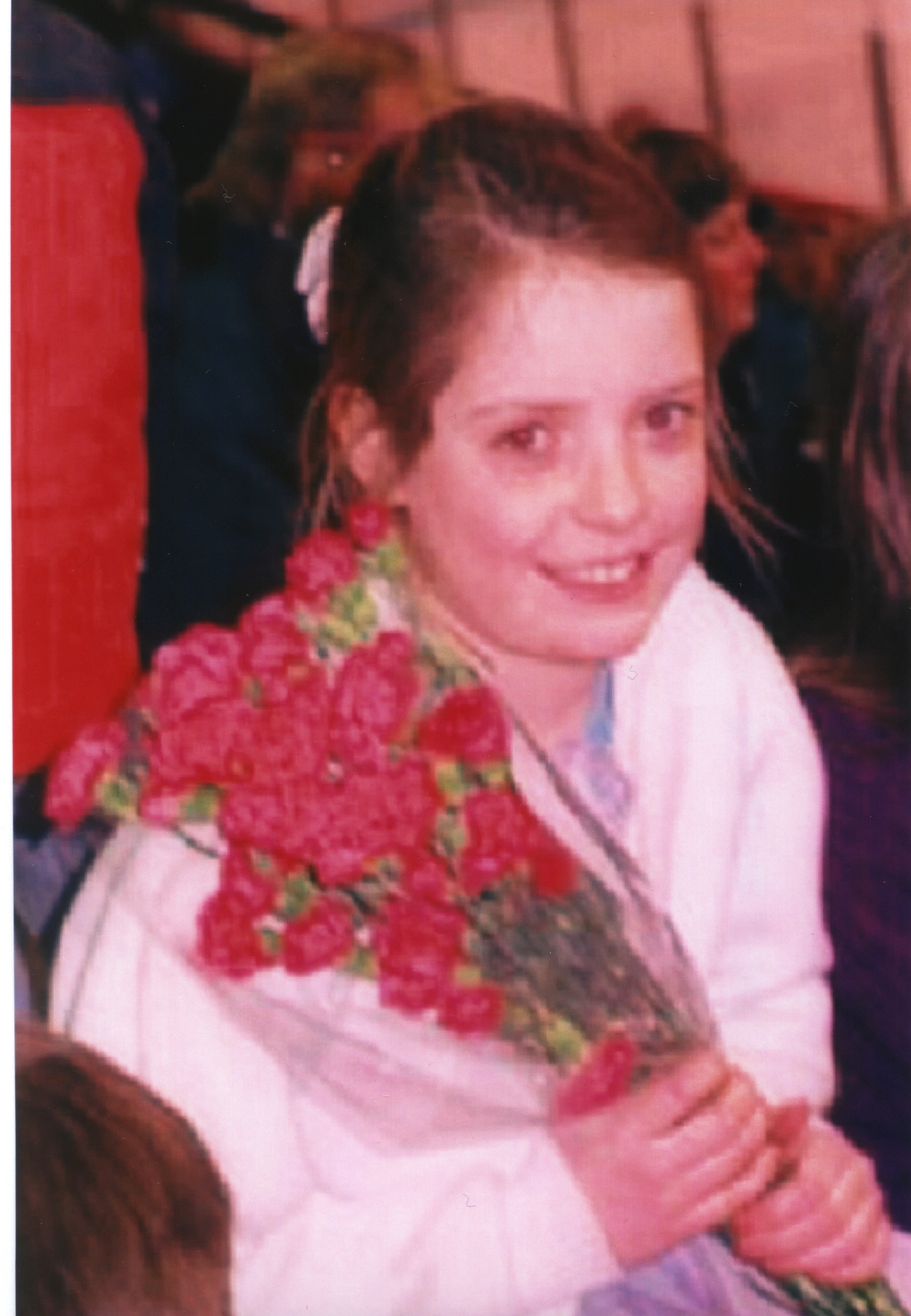
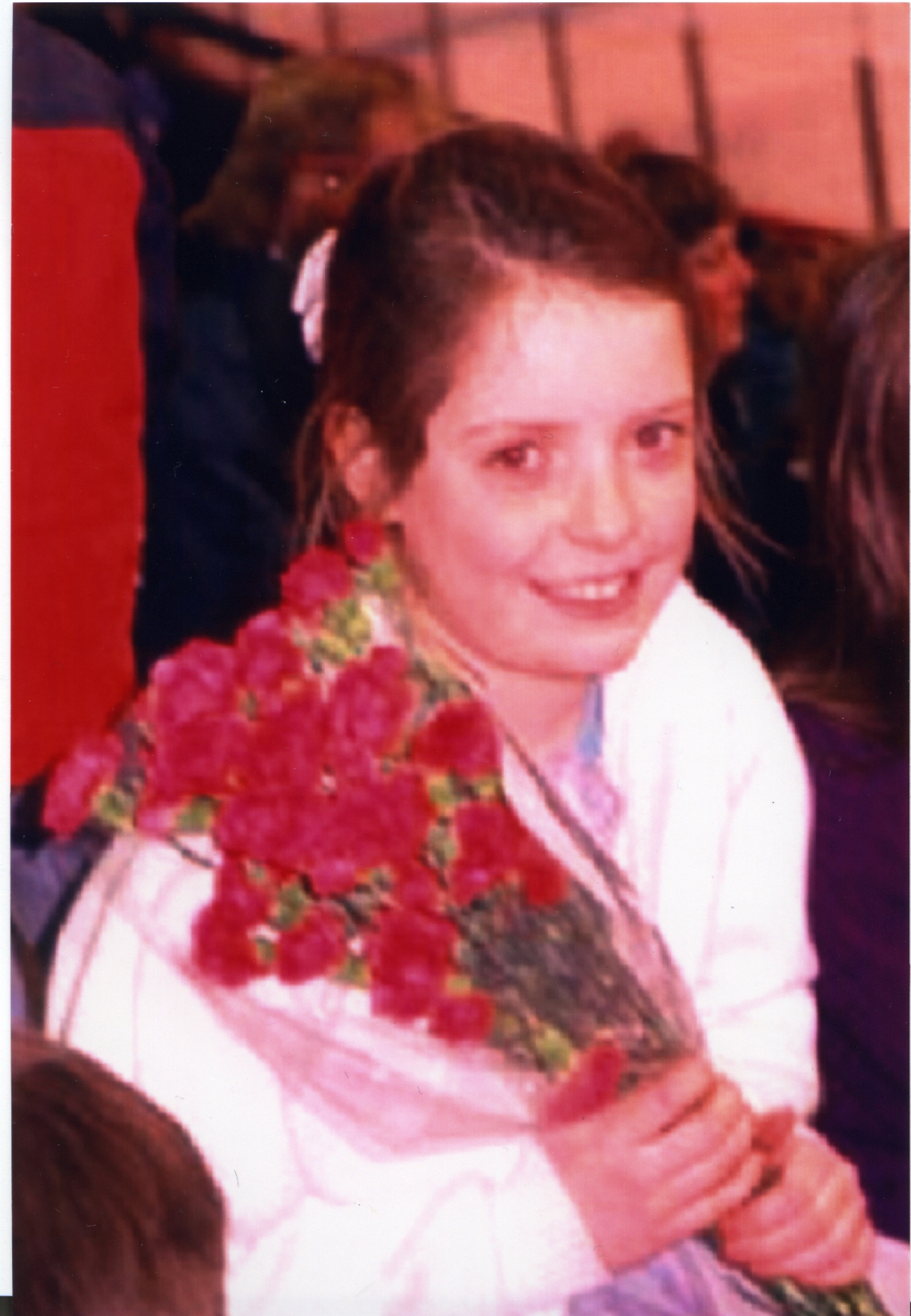
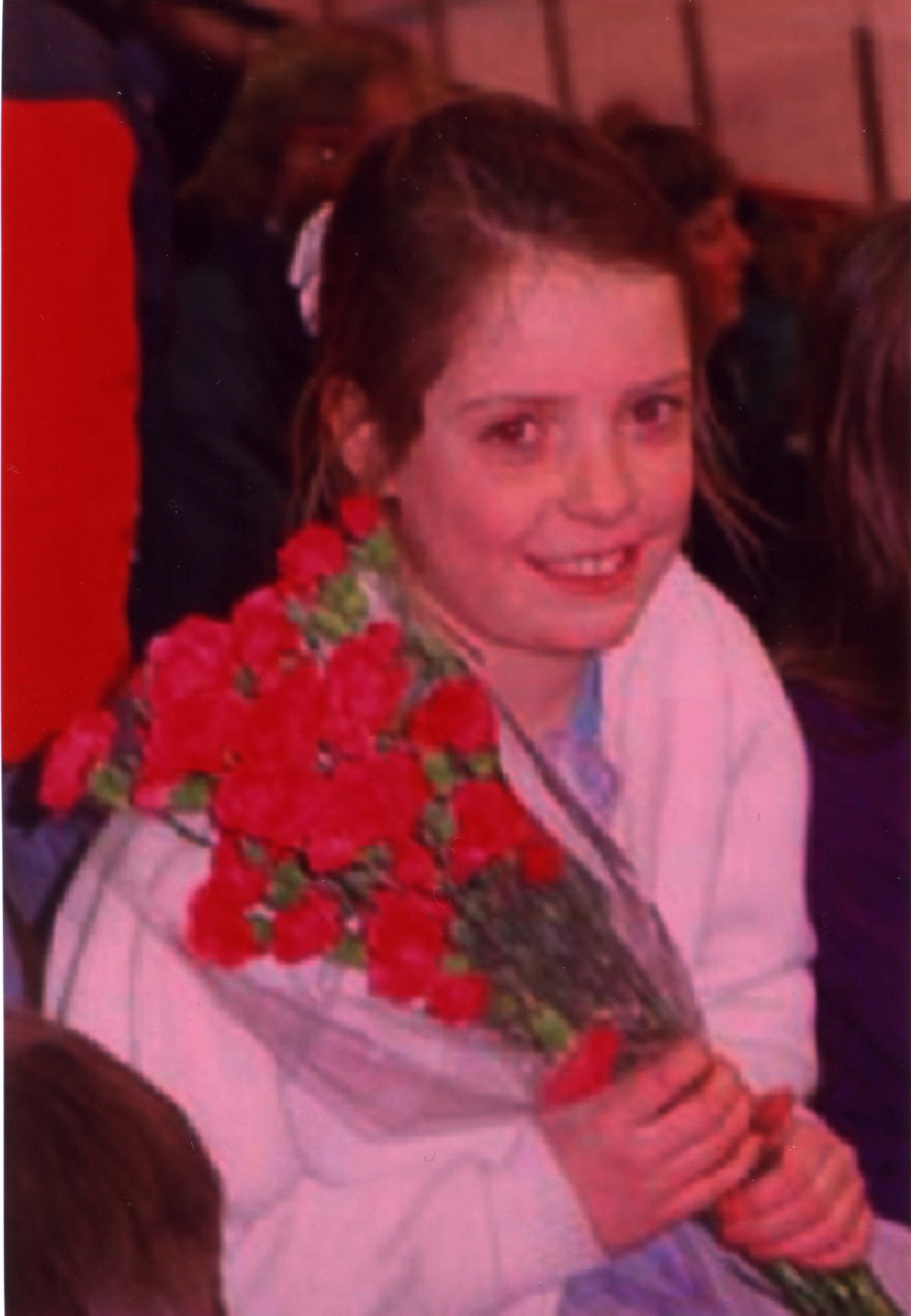
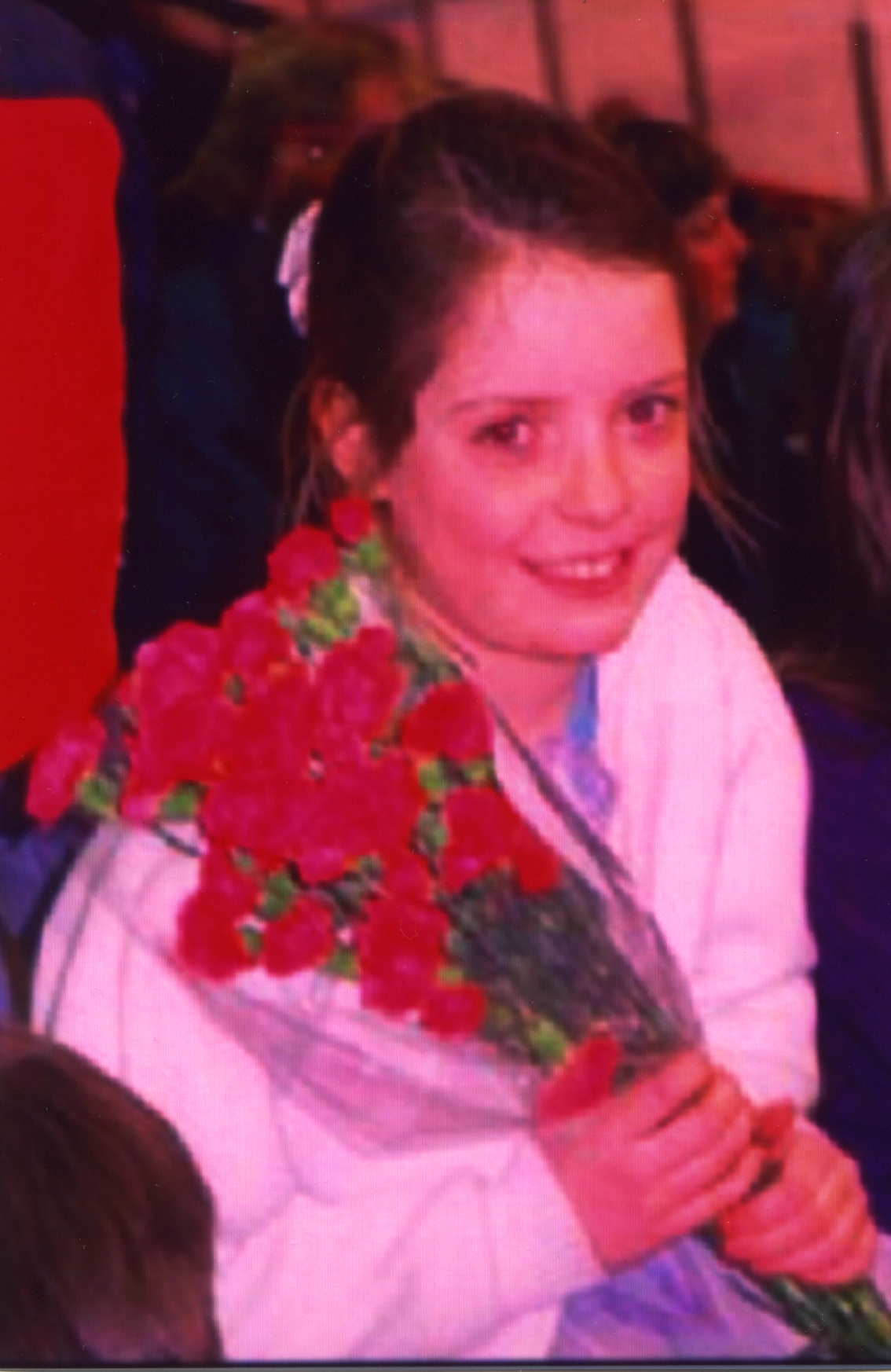
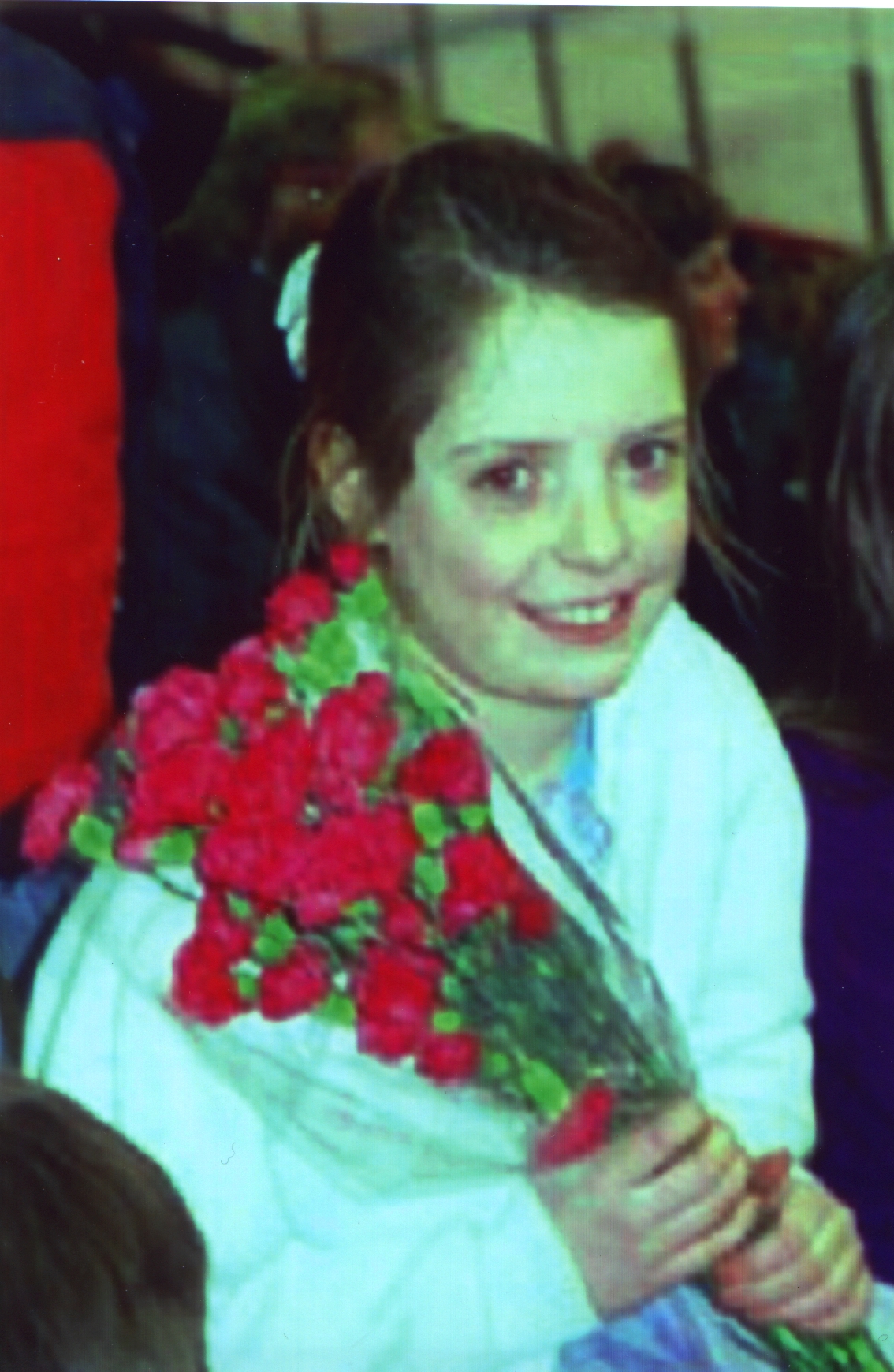
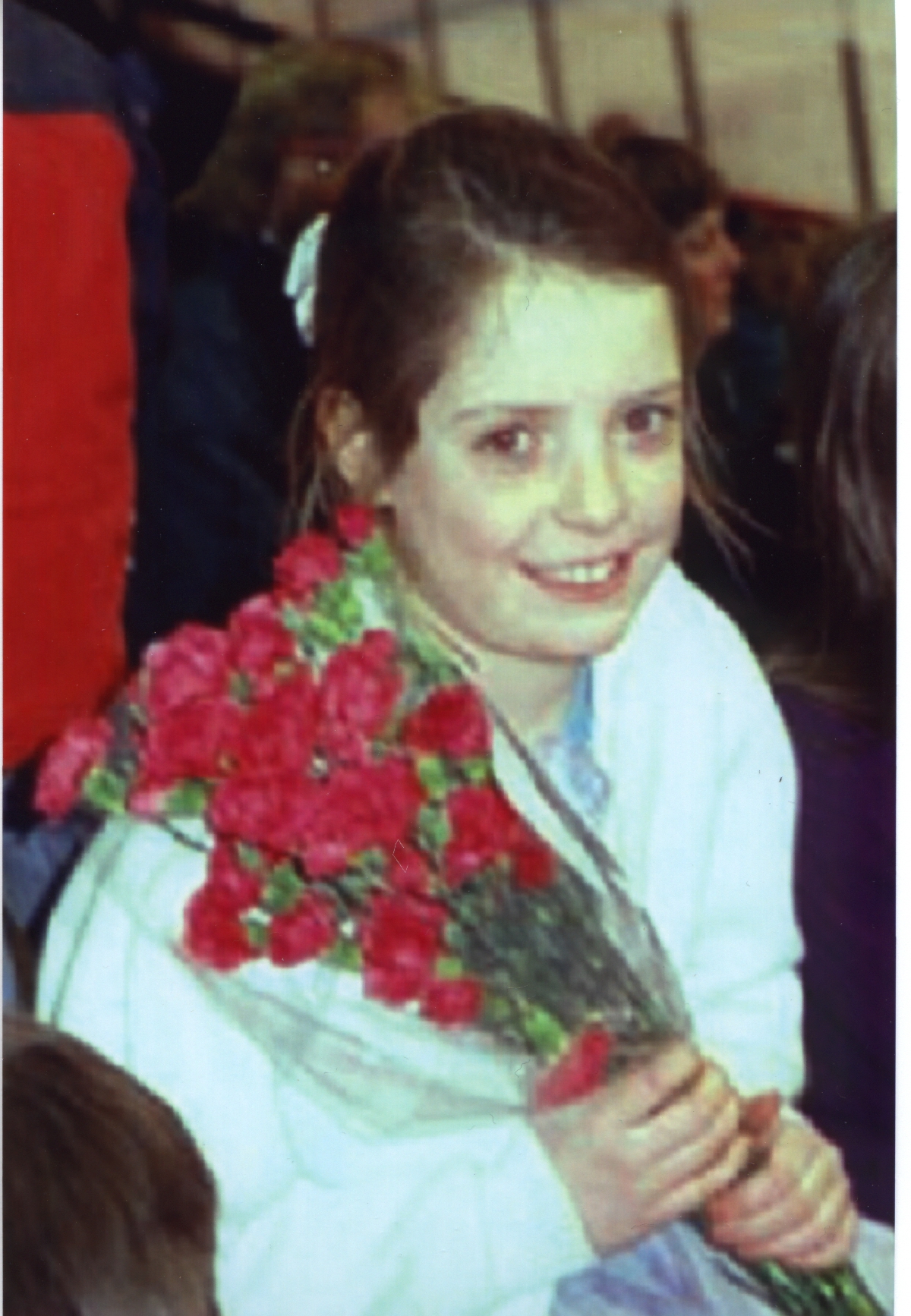
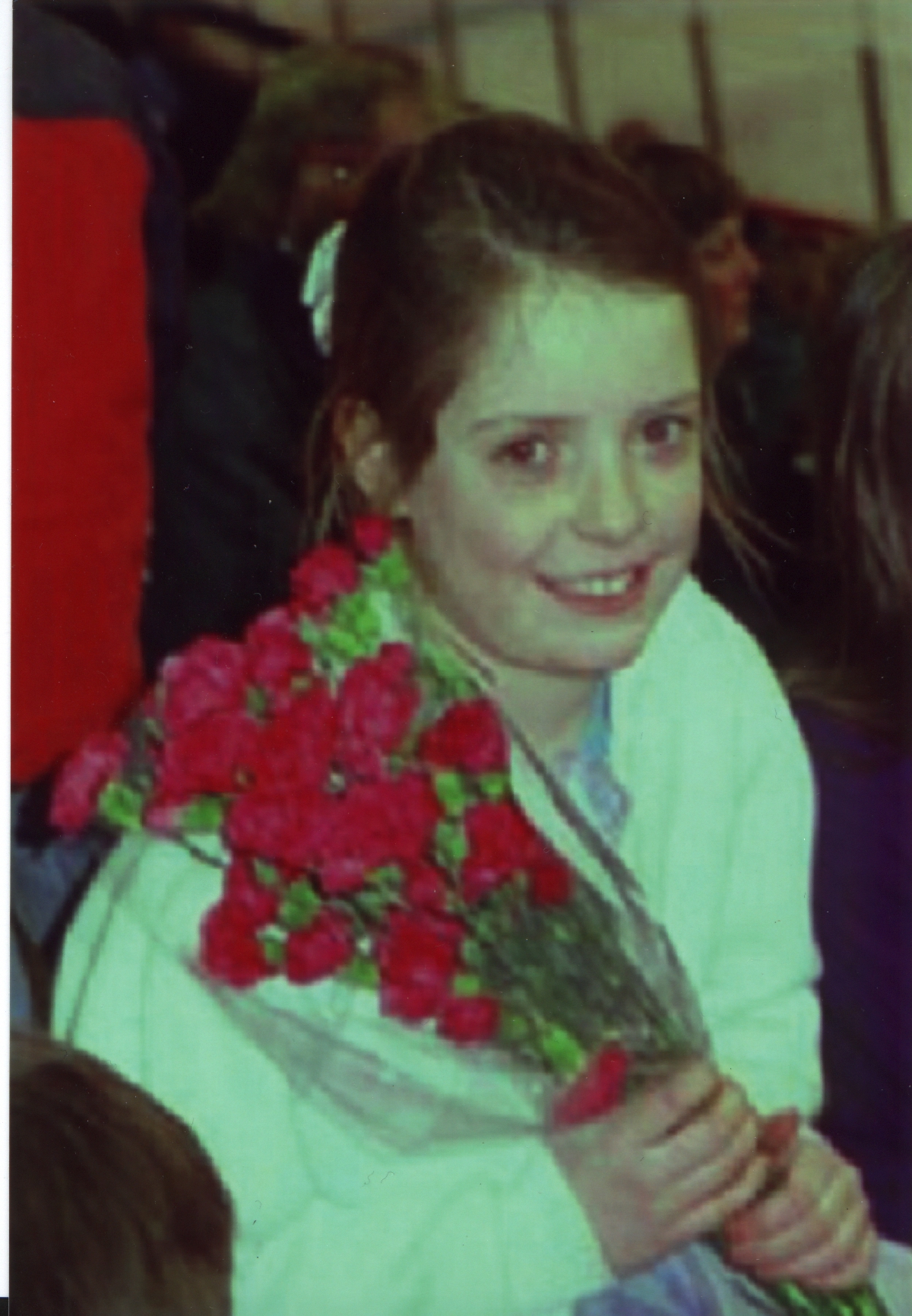
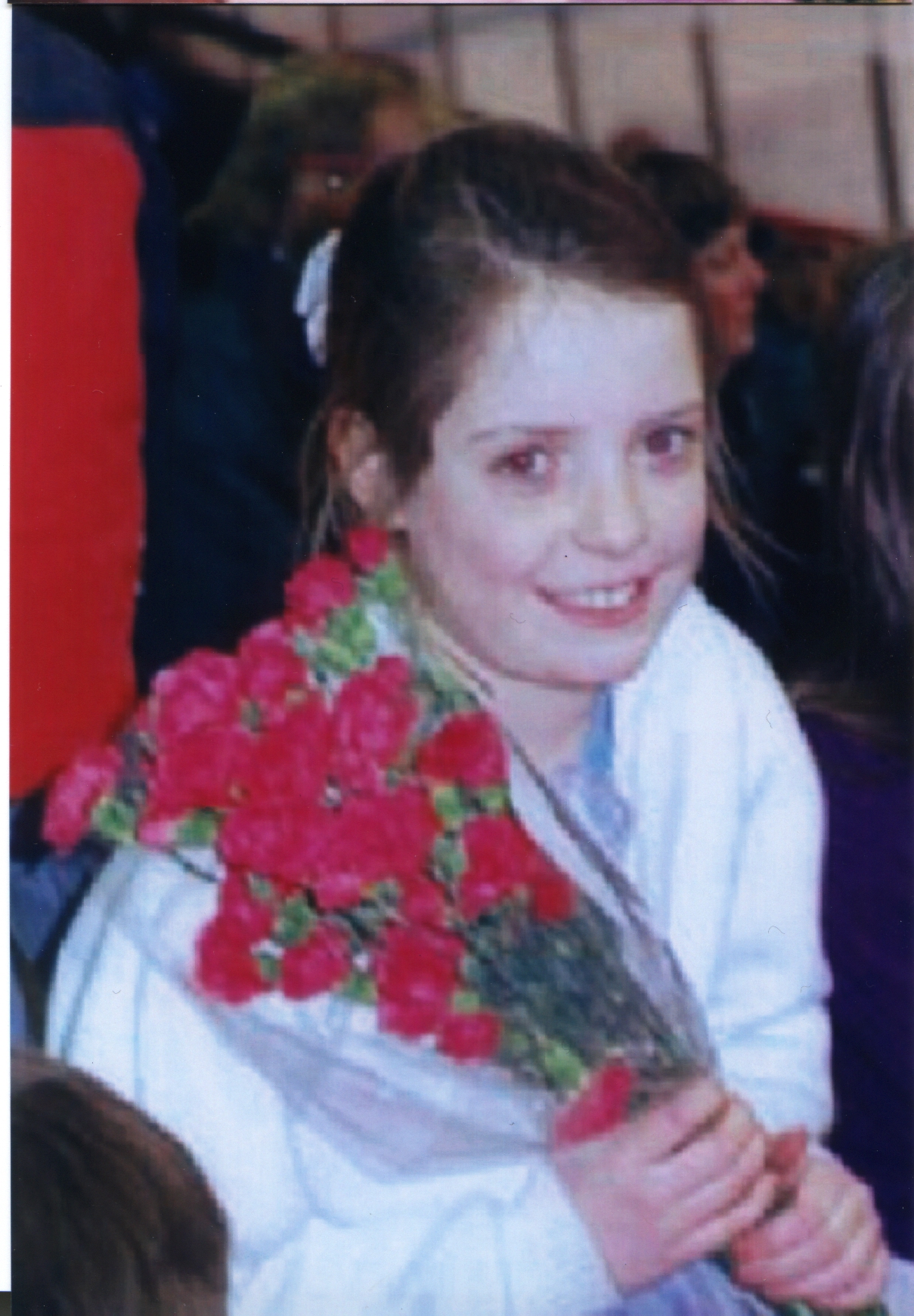
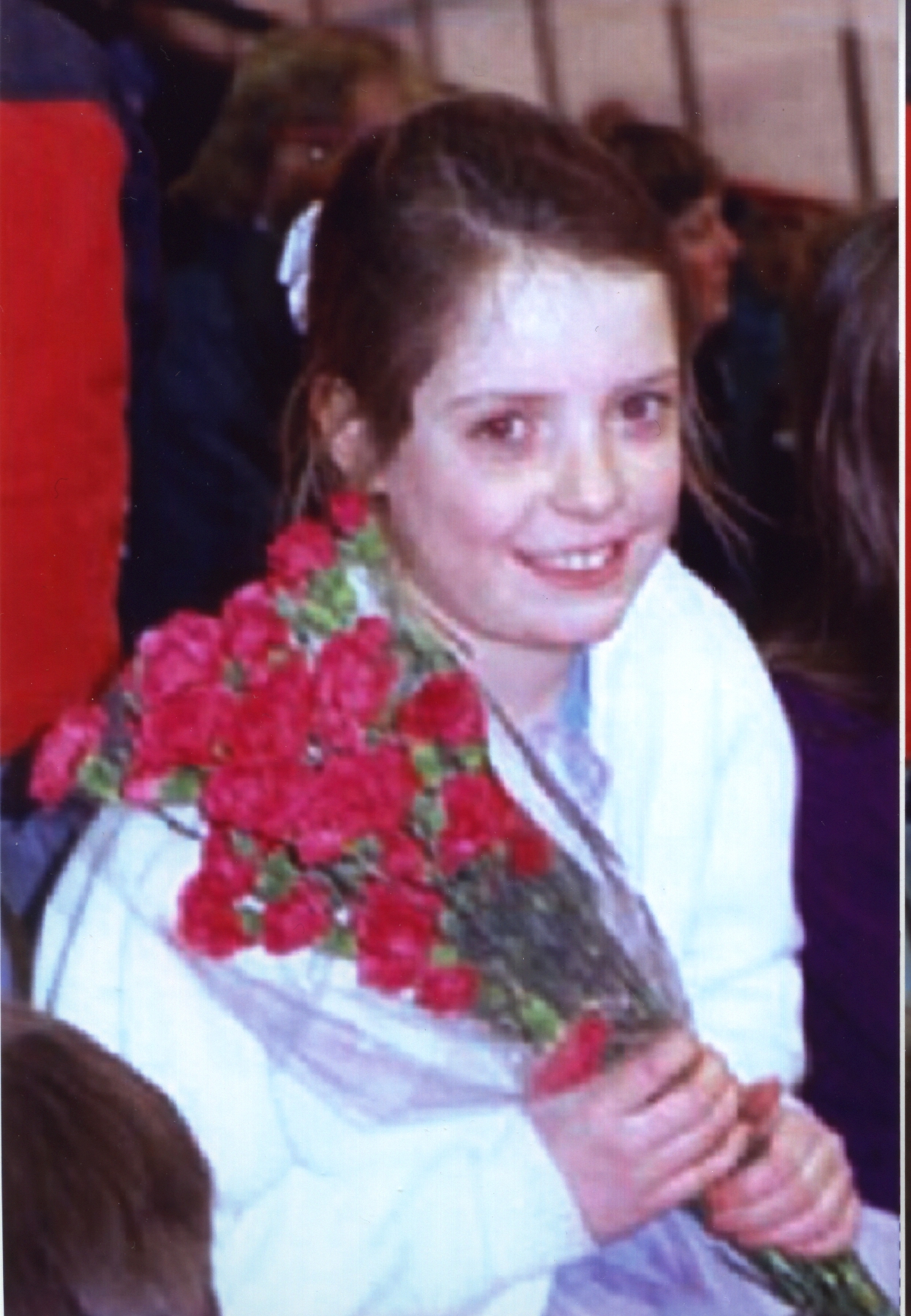
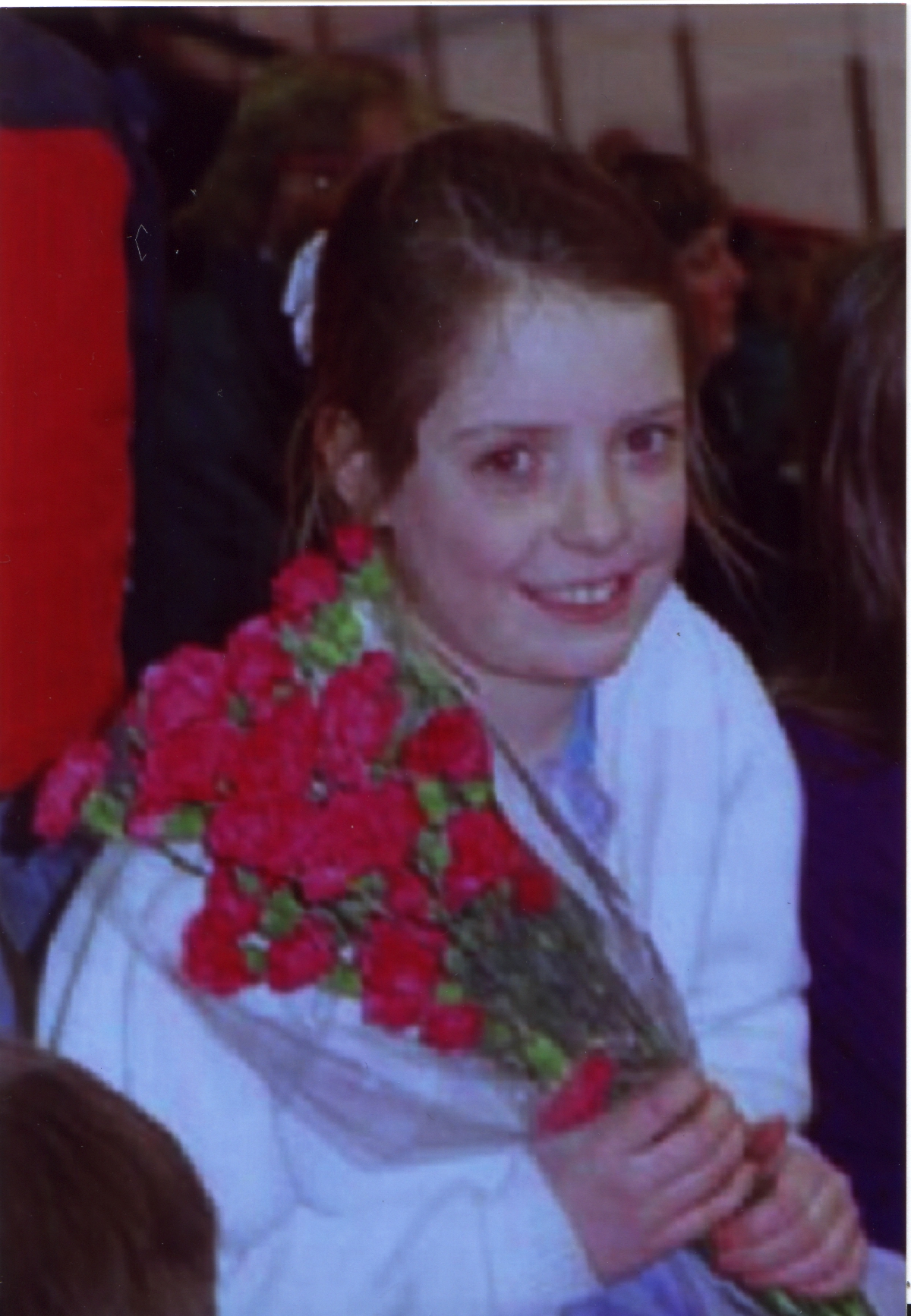
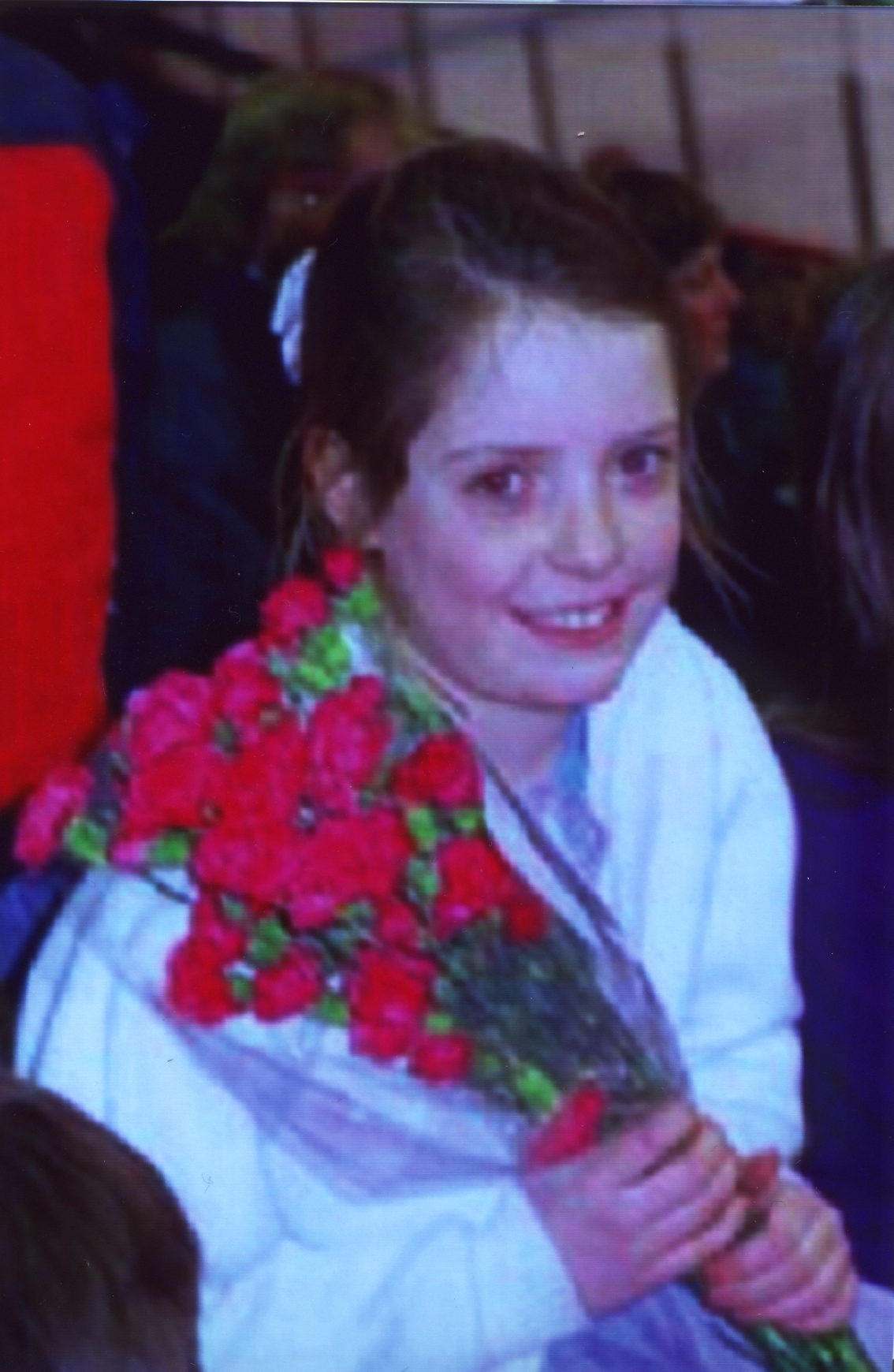
Thus, we next focus our attention at the color appearance of each photograph. To determine how much a photograph's color intensity had changed, we calculated the mean color of each picture in RGB. Since the test images were altered in RGB domain, (see Text Image page,) we would like to know the ratio of the mean RGB value of colored test images to the mean RGB value of the test image without color alteration in each company respectively.
[Click on Images to View Larger Size (1200 by 1800)]
|
Intensity Ratio to Original Picture |
ShutterFly |
1 (RBG raw) (Ratio to Original) |
Ofoto |
2 (RBG raw) (Ratio to Original) |
PhotoNet |
3 (RBG raw) (Ratio to Original) |
PhotoAccess |
4 (RBG raw) (Ratio to Original) |
|
(1.0,1.0,1.0) |
|
(152,114,118) (1.0,1.0,1.0) |
|
(144,98,102) (1.0,1.0,1.0) |
|
(126,83,88) (1.0,1.0,1.0) |
|
(143,95,108) (1.0,1.0,1.0) |
|
(1.0,0.75,0.83) |
|
(154,94,103) (1.0,0.8,0.9) |
|
(156,91,99) (1.1,0.9,0.9) |
|
(129,51,65) (1.0,0.6,0.7) |
|
(146,60,87) (1.0,0.6,0.8) |
|
(0.75,1.0,0.83) |
|
(120,110,107) (0.8,1.0,0.9) |
|
(122,106,103) (0.8,1.1,1.0) |
|
(88,83,70) (0.7,1.0,0.8) |
|
(101,105,100) (0.7,1.1,0.9) |
|
(0.75,0.83,1.0) |
|
(113,94,113) (0.7,0.8,1.0) |
|
(131,100,117) (0.9,1.0,1.1) |
|
(86,62,85) (0.7,0.7,1.0) |
|
(93,73,109) (0.7,0.8,1.0) |
|
Comments and Observation |
When Shutterfly processed Blue color, the ratio of R and G dropped. The adjustment of color was quite conservative. |
Ofoto seemed to match the B and G. The order of ratio maintained the same, but the magnitude favored G. |
Quite a dark picture to start with, PhotoNet was quite aggressive in ratios. A little bit color masking might give Photonet a tough time. |
Overall, PhotoAccess matched the original ratio quite closely. It was quite aggressive on G in the negative sense. |
||||
[Table 1: Results of Red Eyes and Color Balancing. Click here for Matlab Codes.]
Evaluation
One things stood up right away was that the pictures from PhotoNet were a lot darker than other companies. Reading the (RGB Raw) value from the first row of column 3, we found that the maximum of the RGB value was about half of 255. For other companies, the average of the mean RGB values was about half of 255. Where the RGB value ratio should be 1 in the original test images showed up quite consistently over the images from different companies. This demonstrated that the color process of each company was consistent in maintaining the color outlook of the photographs.
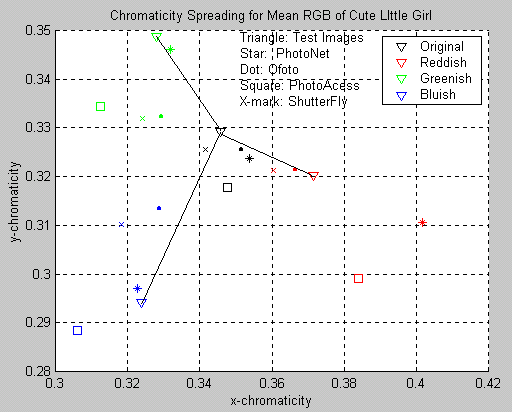
To further investigate the relative distances between the photo and companies, we decided to convert the mean RGB value of each pictures above into their XYZ value, and from XYZ, we determined the chromaticity of each photograph including the original digital test images. The following is the plot of this analysis.
|
|
|
|
[Figure 1: Chromaticity Location for Photos. Click Here for Matlab Code] |
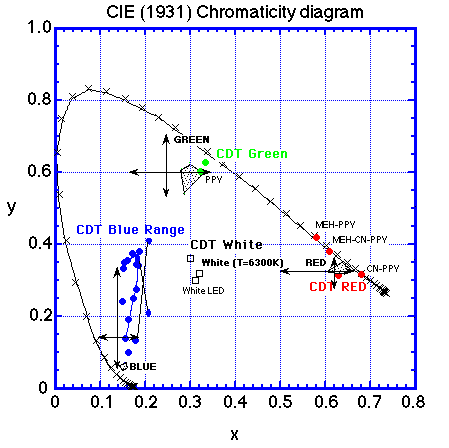
[Figure 2: Chromaticity Chart] |
First we should ask, did this figure make sense? Well, from the chromaticity chart above, we could see that the color matched pretty well with its relative position. If the original was some sort of gray, which was more true for most live scene picture, then the original chromaticity should be somewhere at the center of the RGB variations that we added to the picture.
For PhotoAccess, the chromaticity location of the images seemed to shift down and expand. This implies that the color contrast was increased. Even though PhotoNet's illumination level was decreased, the relative distance between colors stayed pretty much the same as the original test images other than Red. Thus, we knew that PhotoNet emphasized Red. Ofoto and ShutterFly dramatically decreased the contrast between colors. However, they got the illumination quite close to the test images. From [Figure 1,] we could develop a feeling of what each company did in their photo-processing.