Test Images: Why, What, and How They Are Chosen
Chia-Hao (Jack) Yu
Alexan@leland.stanford.edu
Human Visual Perception Model
One of our goals was to compare photographs generated from different companies. To process a digital file without knowledge of additional process, the web companies would have to derive a lot of "logical" conditions for which the digital file was taken. Since most companies emphasized sending these pictures to consumers' friends and family, we thought these companies would be extremely efficient in reproducing "everyday" photographs. In another word, these companies would take advantages of human visual perception model to reduce the processing requirement. With the help of Prof. Wandell, we decided to focus out test images in simple but "pushing" the edge designed. Since color and spatial frequencies are two important factors in human visual systems, we generated out test images from Matlab that took color and spatial frequencies to extreme. Moreover, we were also interested in whether or not any company did noise reduction, and we made a bundle of pictures with different level of Gussian noise.
Wonderful World of Color
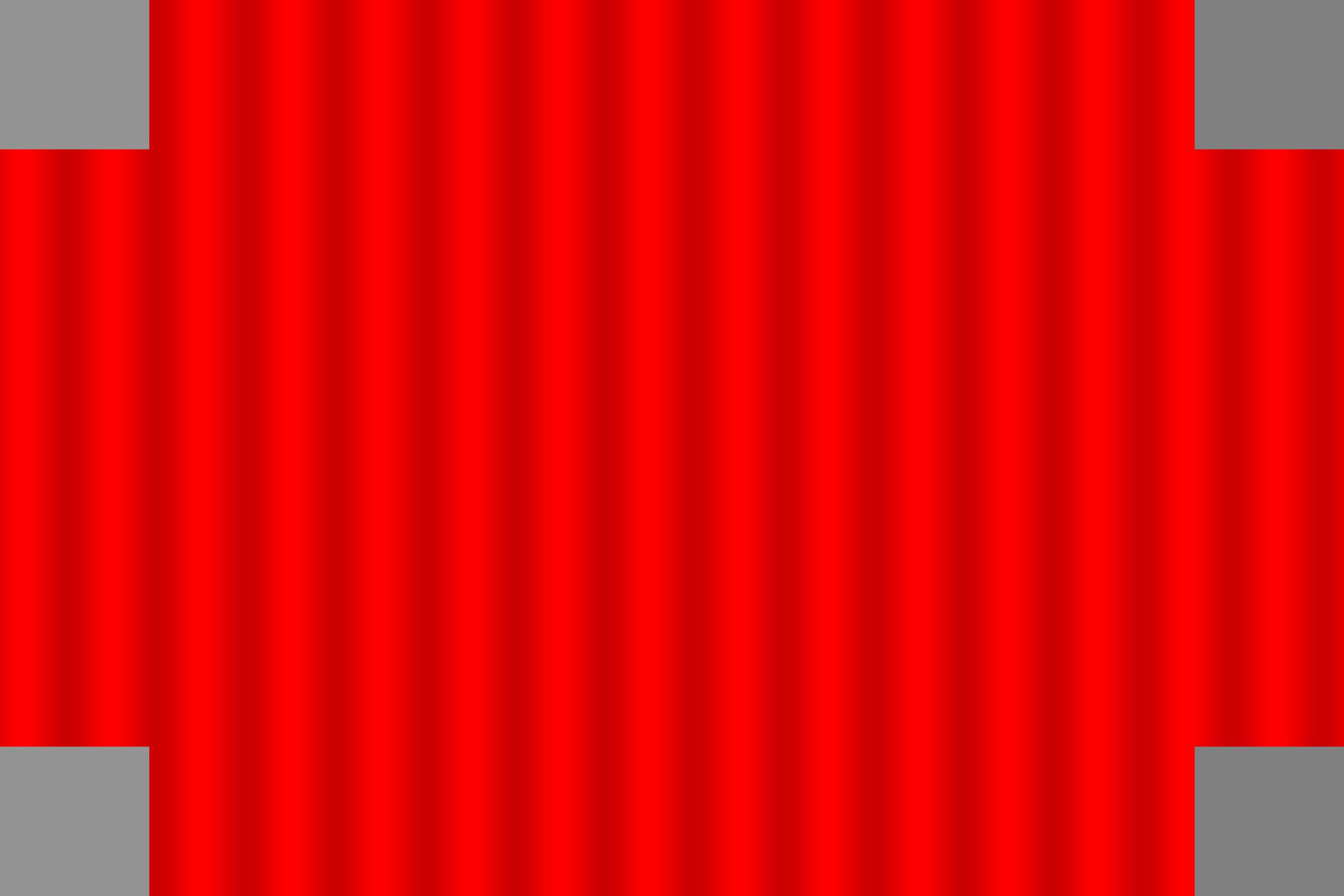
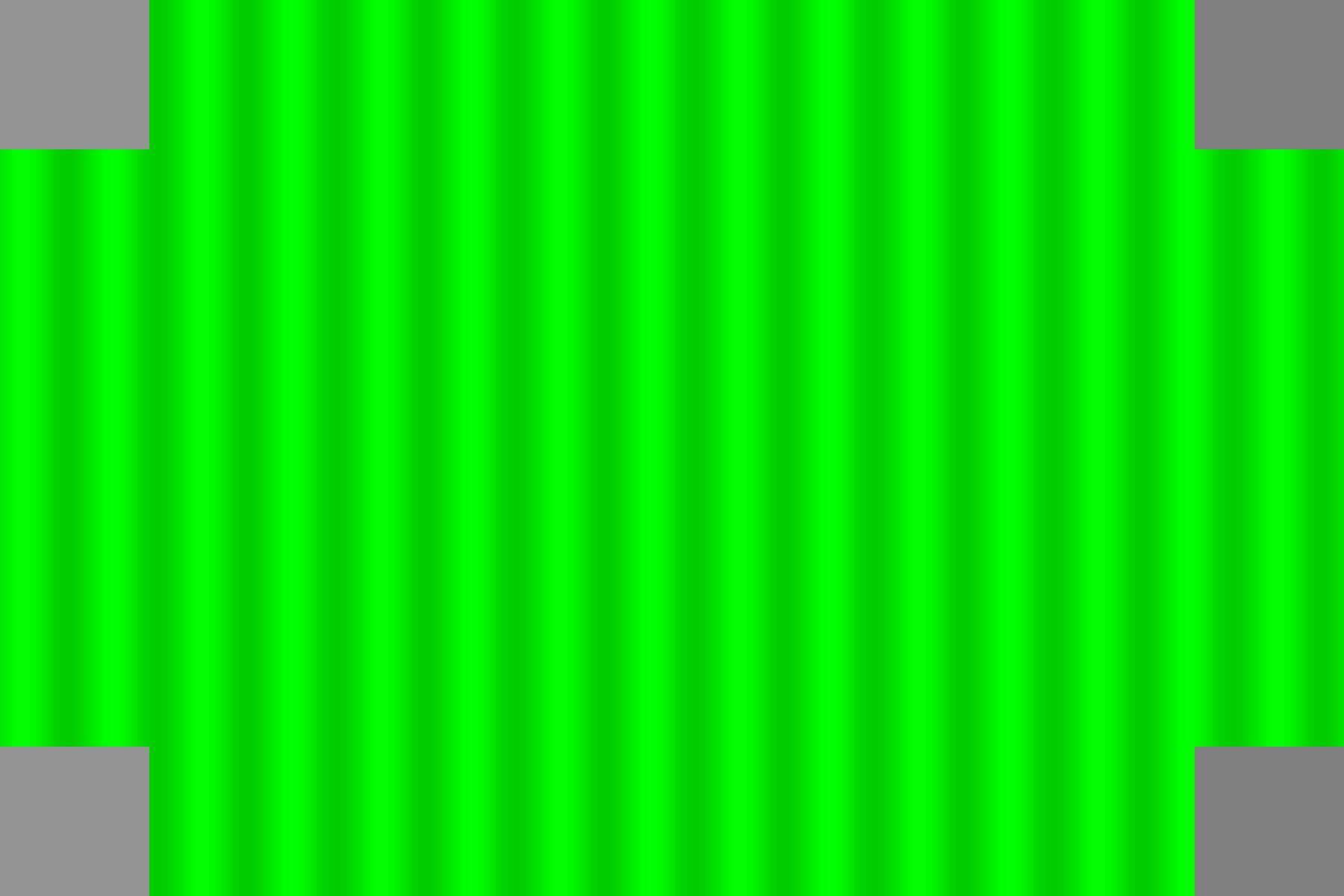
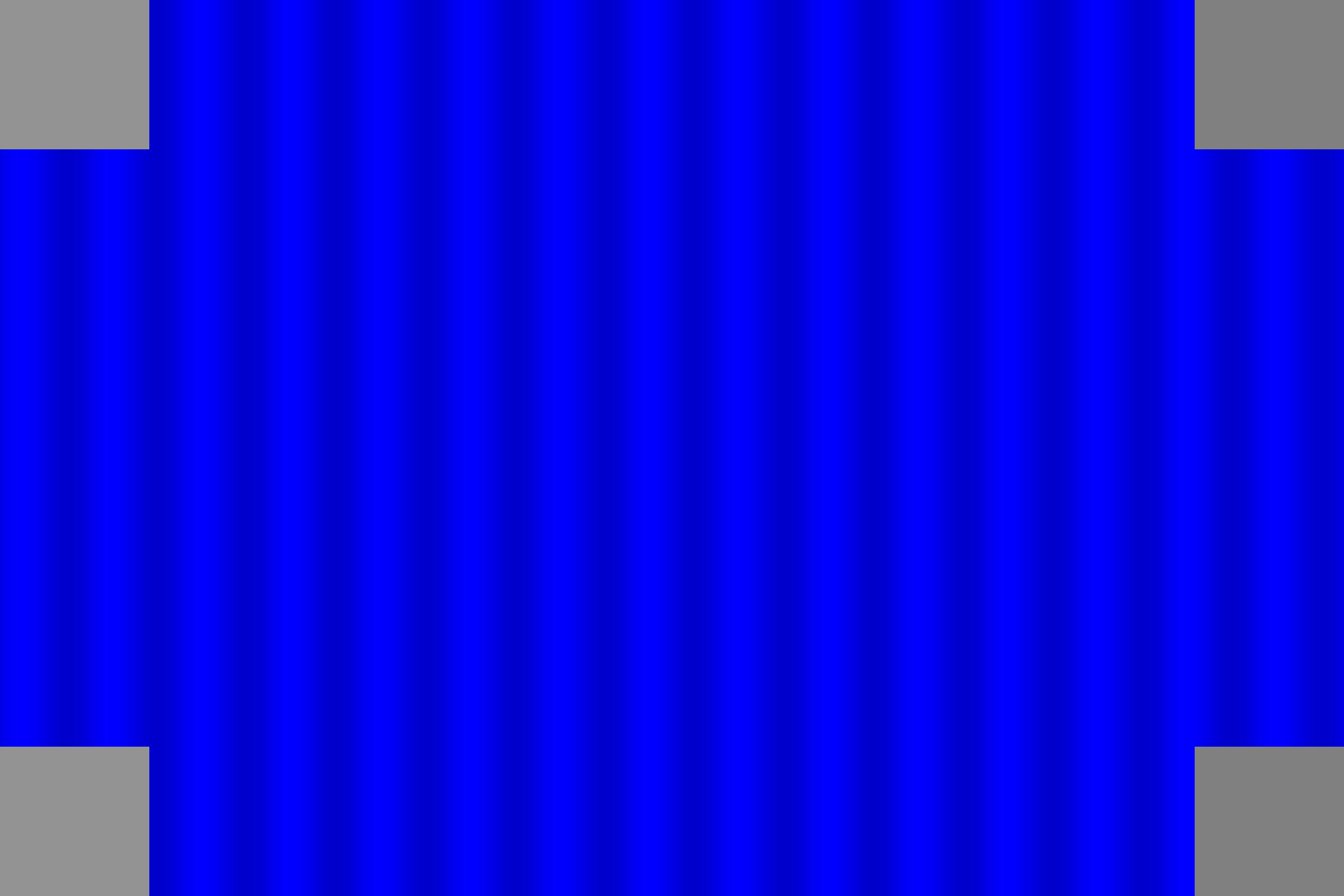
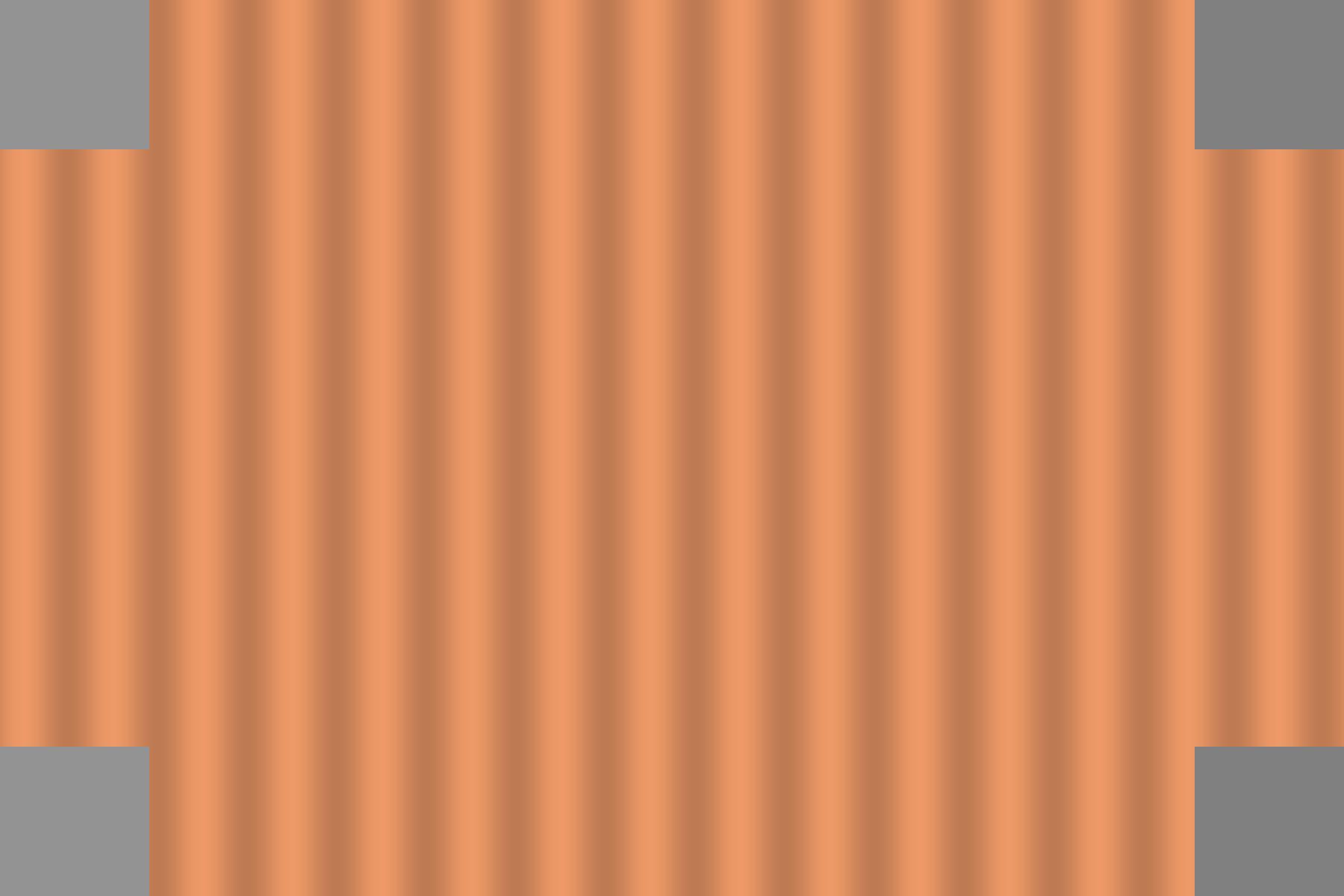
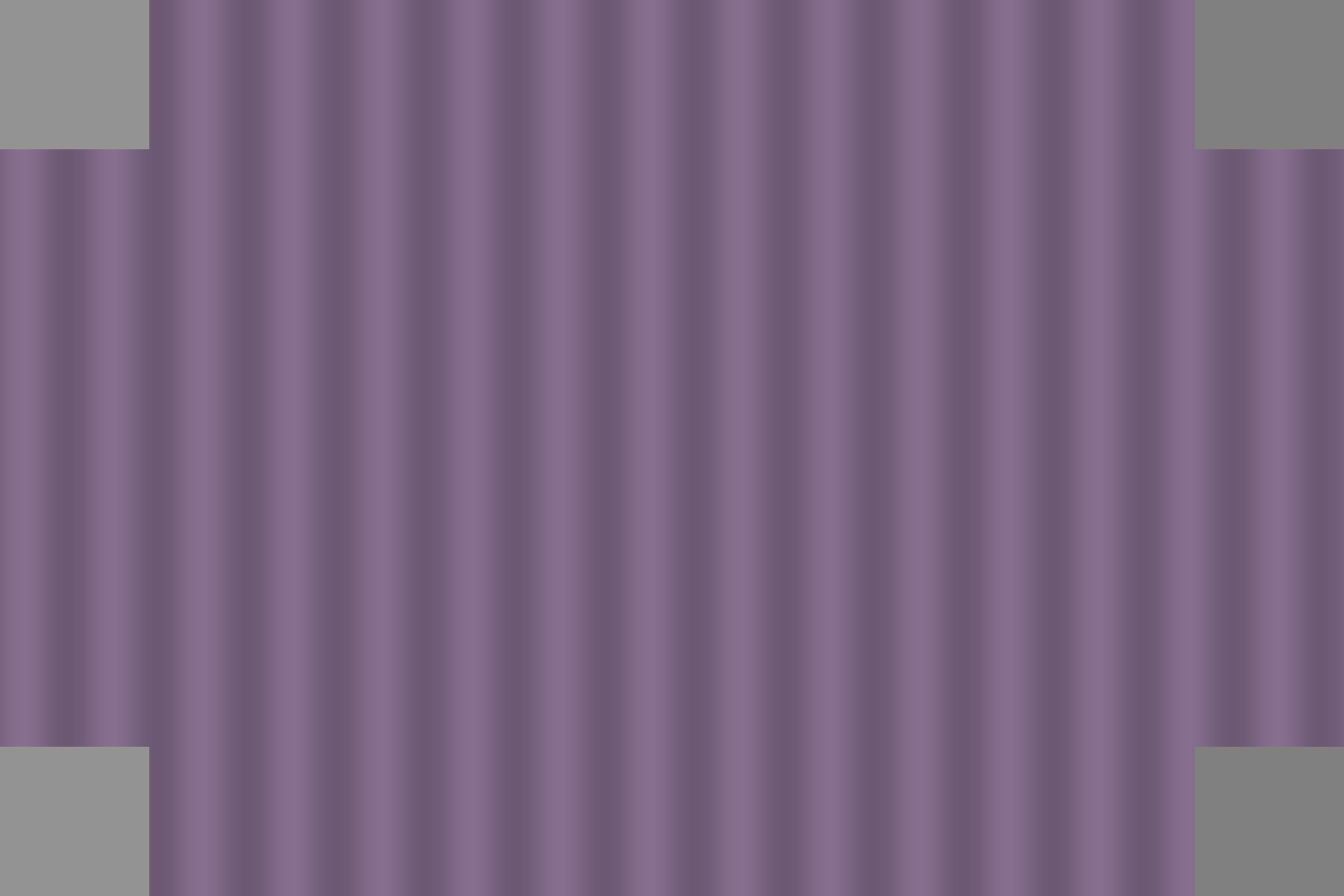
Prof. Wadell had a wonderful suggestion in creating color testing images. Using different strong color as background, an image with gray patches at the conners might post an interesting challenge for color balancing. The following table consists of the images that we created in this respect. These images are 1200 by 1800 pixels in size, and to view the big images, just click on the small ones. The second row corresponds to the mean color value in Matlab's RGB representation. The wavy pattern has intensity varying as a sin function with 10% deviation from the mean color.
[Click on Images to View Larger Size (1200 by 1800)]
|
Color Patches |
|
|
|
|
|
|
|
Mean (R,G,B) |
(1,0,0) |
(0,1,0) |
(0,0,1) |
(0.93,0.6,0.4) |
(0.98,0.86,0.371) |
(0.53,0.43,0.56) |
[Table 1: Test Images for Color Analysis. Click here for Matlab Code.]
The left conners are gray patches with intensity (0.75,0.75,0.75) and the right conners are gray patches with intensity (0.5,0.5,0.5). The main purpose of these gray patches is to analyze what kind of color balancing scheme these web companies employ. Moreover, if the companies use Weber's Law in human visual perceptual difference, then the magnitude of the gray patches might change with different color background, and within the same picture, the patches might also wavy a little bit to "match" better with the background.
The Great Line of Vision
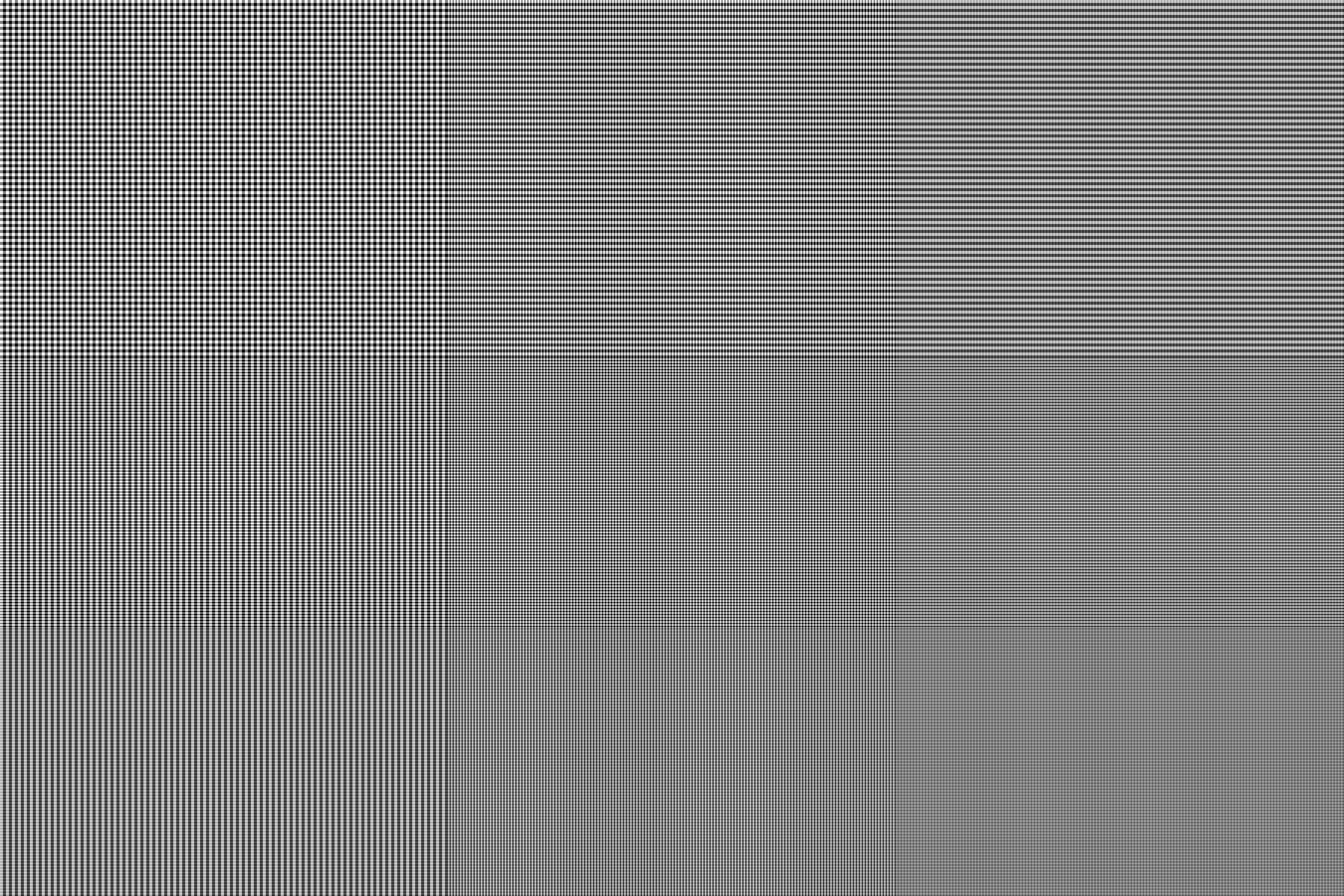
Spatial frequency is one other important element in the visual system. To exam how companies deal with really high spatial frequency images, we created image with alternating white and black lines. Since our images were 1200 by 1800 pixels, and the photographs were 4 by 6 inches, we allow 300 ppi of resolution. If one pair of black and white lines spanned 2 pixel (the finest resolution we could get under Matlab), then we would have a pattern that is 150 cpi. With a normal viewing distance of 12 inch for photographs, the visual angle of these finely spaced lines is about 360*(1/(2*pi*12))/150 = 0.032 degrees, which equated to 1.9 minutes or 115 seconds. We felt that with this kind of resolution, the amount of processing was really big, but we believed that this should not be too much of a challenge for these sounded companies.
[Click on Images to View Larger Size (1200 by 1800)]
|
Spatial Patches |
|
|
|
|
|
Description |
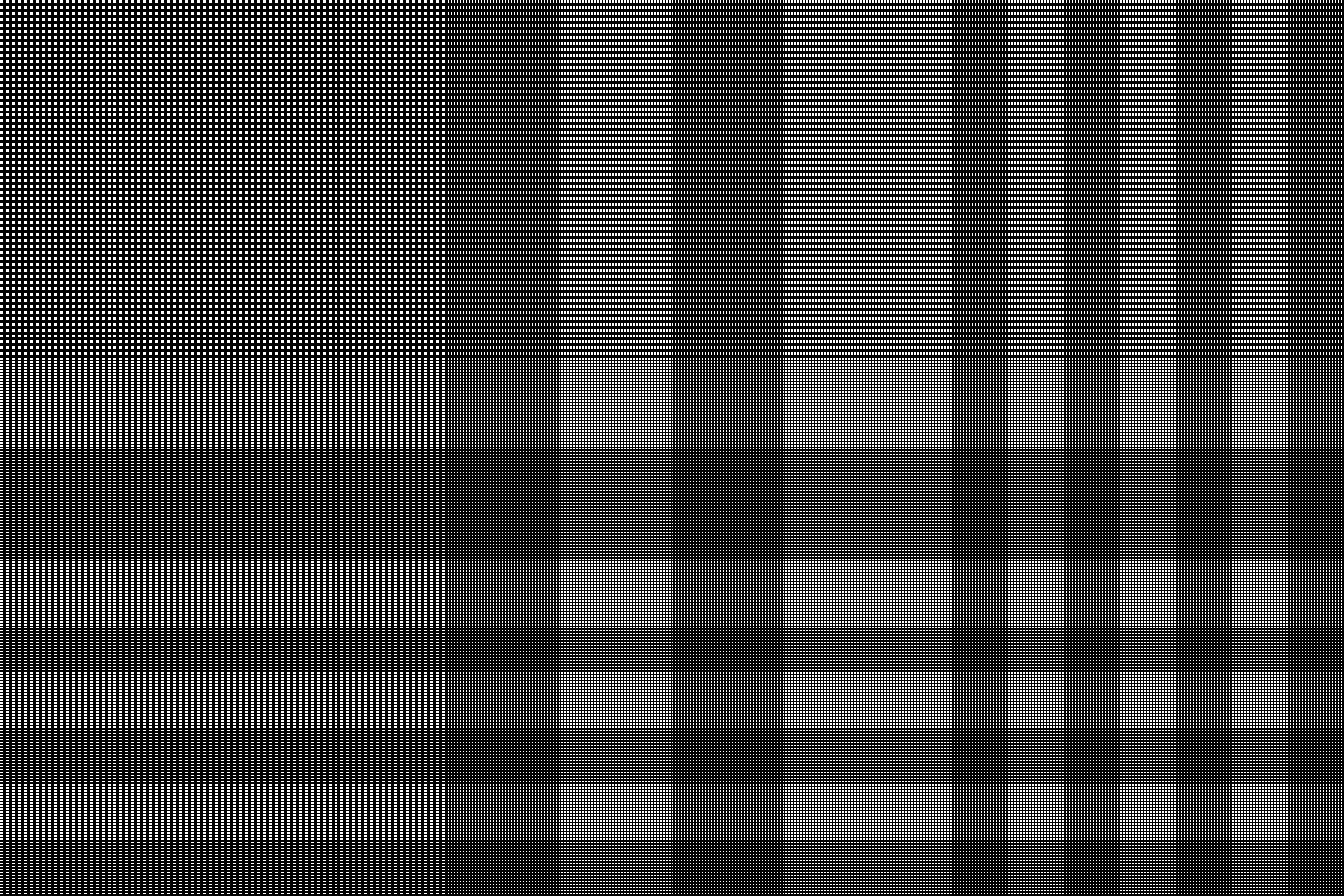
There are 3 vertical segments to this image. The first segment is with 8 pixels per pair of black and white lines, the second is with 4, and the third is with 2. Black and white lines are equal thickness in each segment. |
There are 3 horizontal segments to this image. The first segment is with 8 pixels per pair of black and white lines, the second is with 4, and the third is with 2. Black and white lines are equal thickness in each segment. |
Take the previous two images, and add them together. Then average such that the maximum intensity is less than 1. Thus, for regions that the images do not overlap, they would appear to be gray with (0.5,0.5,0.5) as the RGB value. |
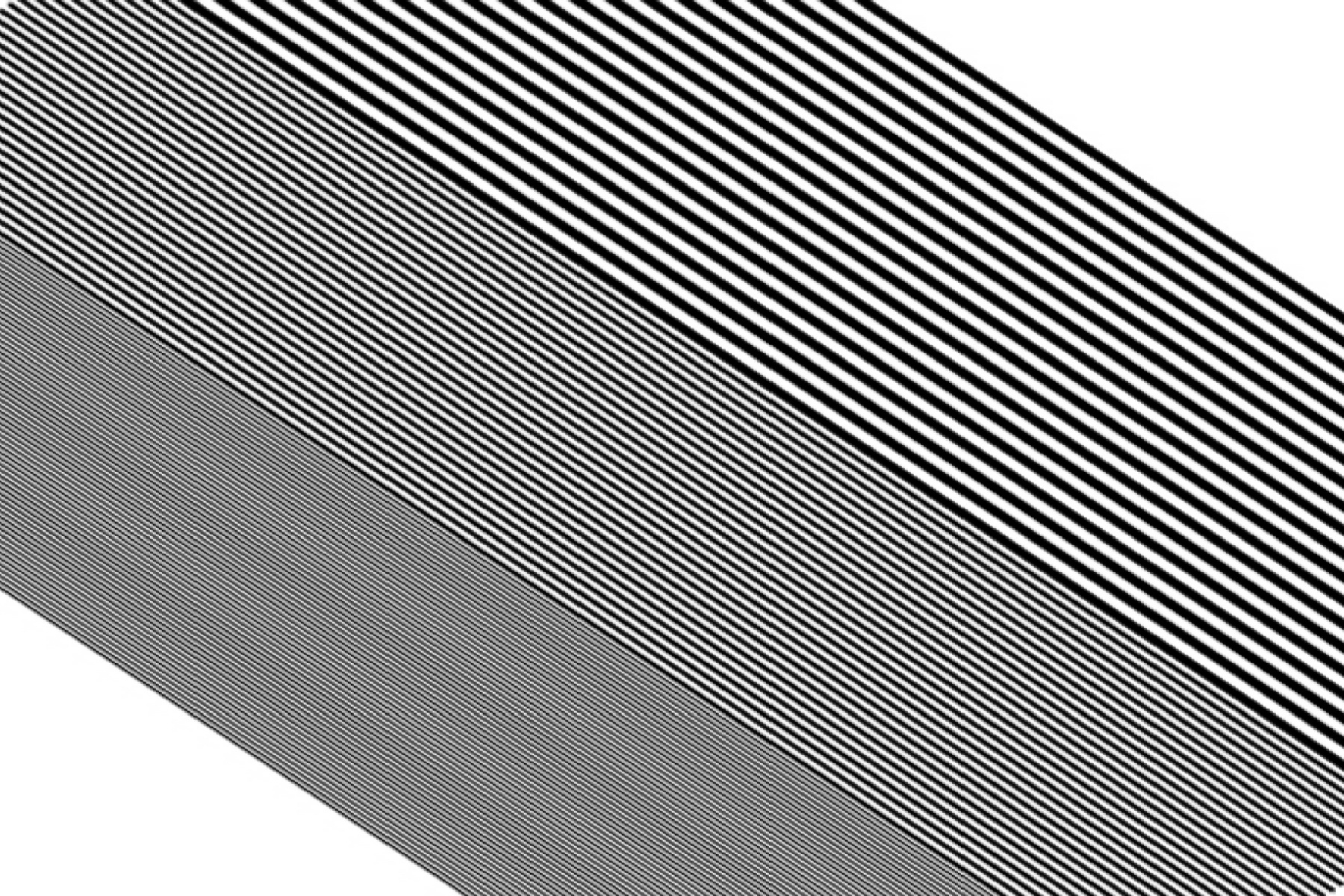
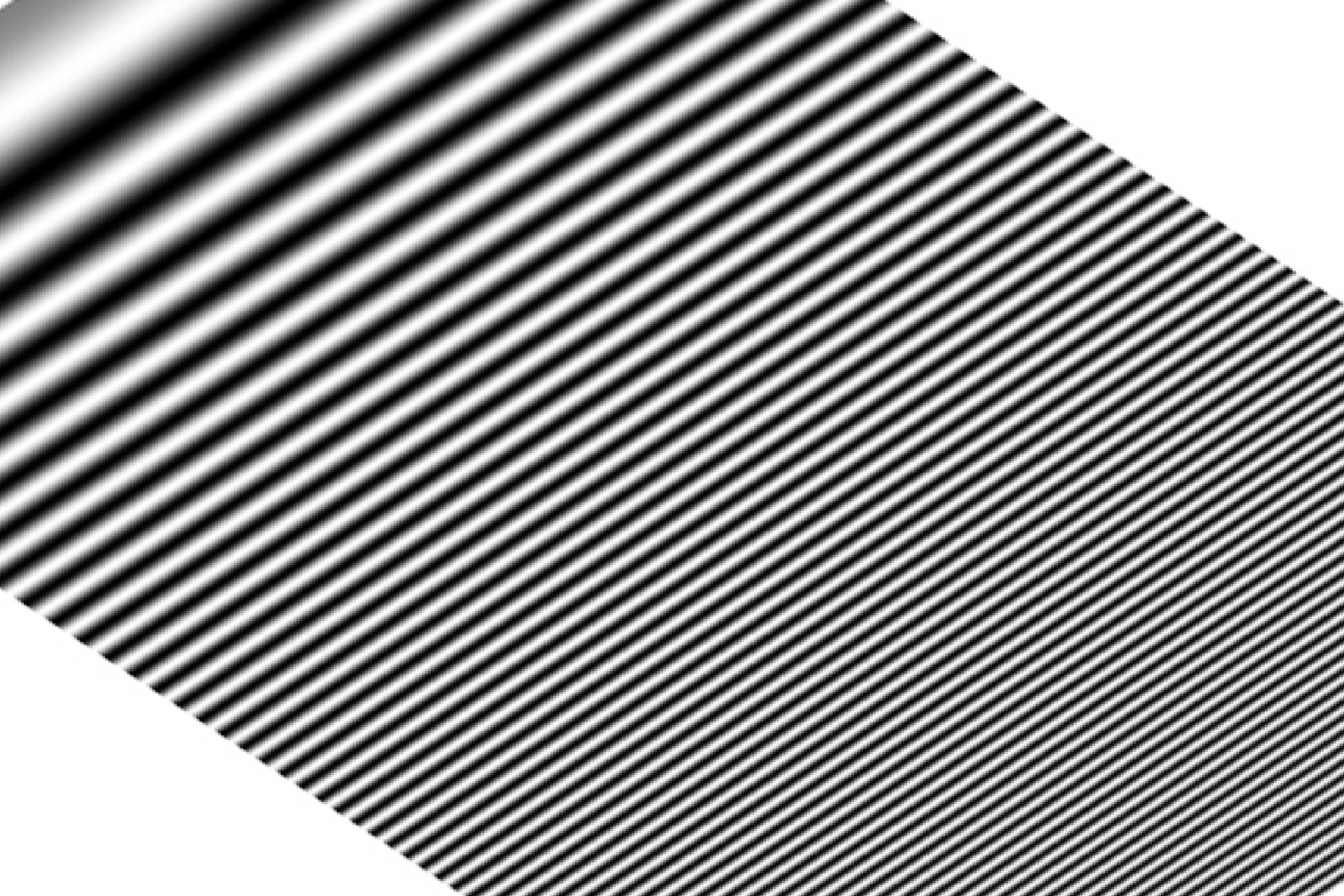
This image is simply a sin function which increasing frequency across the horizontal position. The frequency is proportional to the square of horizontal indexes. |
|
Spatial Patches |
|
. |
|
|
|
Description |
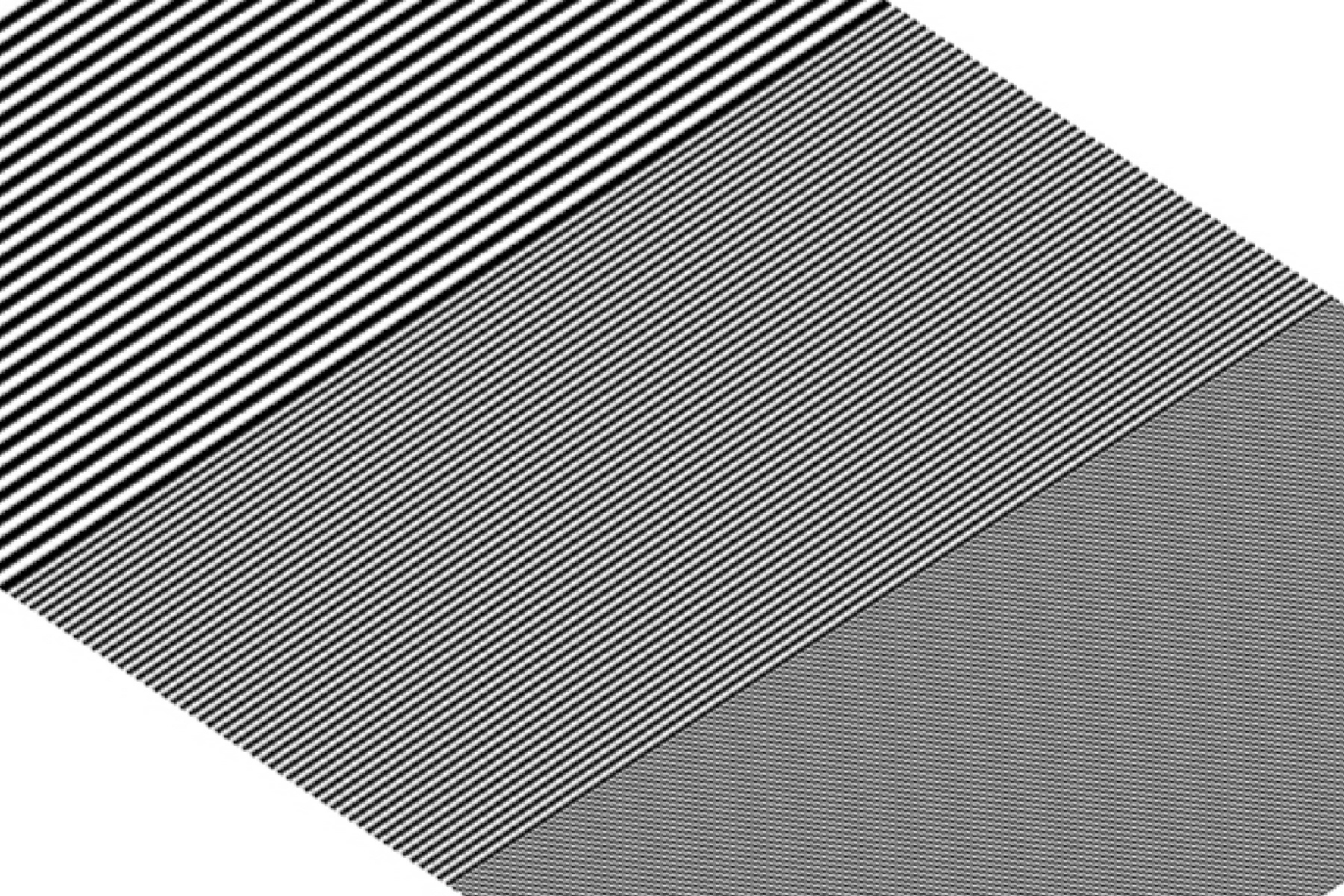
This is simply the above image rotated by 45 degrees clockwise. |
This is simply the above image rotated by 45 degrees clockwise. |
Similar to above image, but instead of averaging the sum of the first two images, this images takes the maximum value of the first two images. Thus, there is no gray value, but only black and white. |
This is imply the above image rotated by 45 degrees clockwise. |
[Table 2: Test Images for Spatial Analysis. Click here for Matlab Codes.]
Our main goal in developing this set of pictures was to exam how well the companies process the high spatial frequency patterns, how consistence the processes were, and what sort of things were done to the discontinuity in the patterns. Moreover, if the photo-printing process were linear, then the sum of the photos from the first two pictures should be the same as the third picture on the first row in [Table 2].
Cute Little Girl with Red Eyes
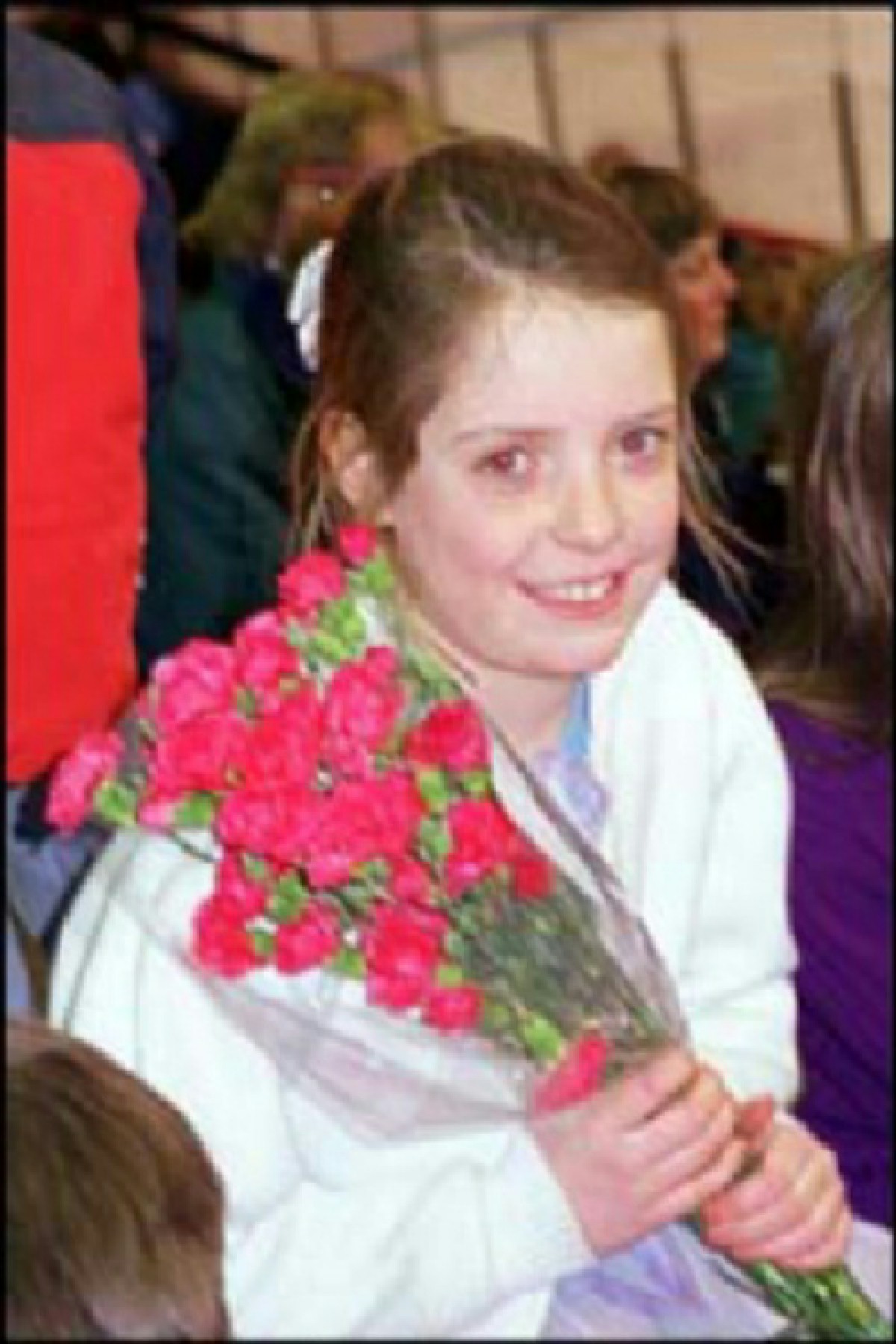
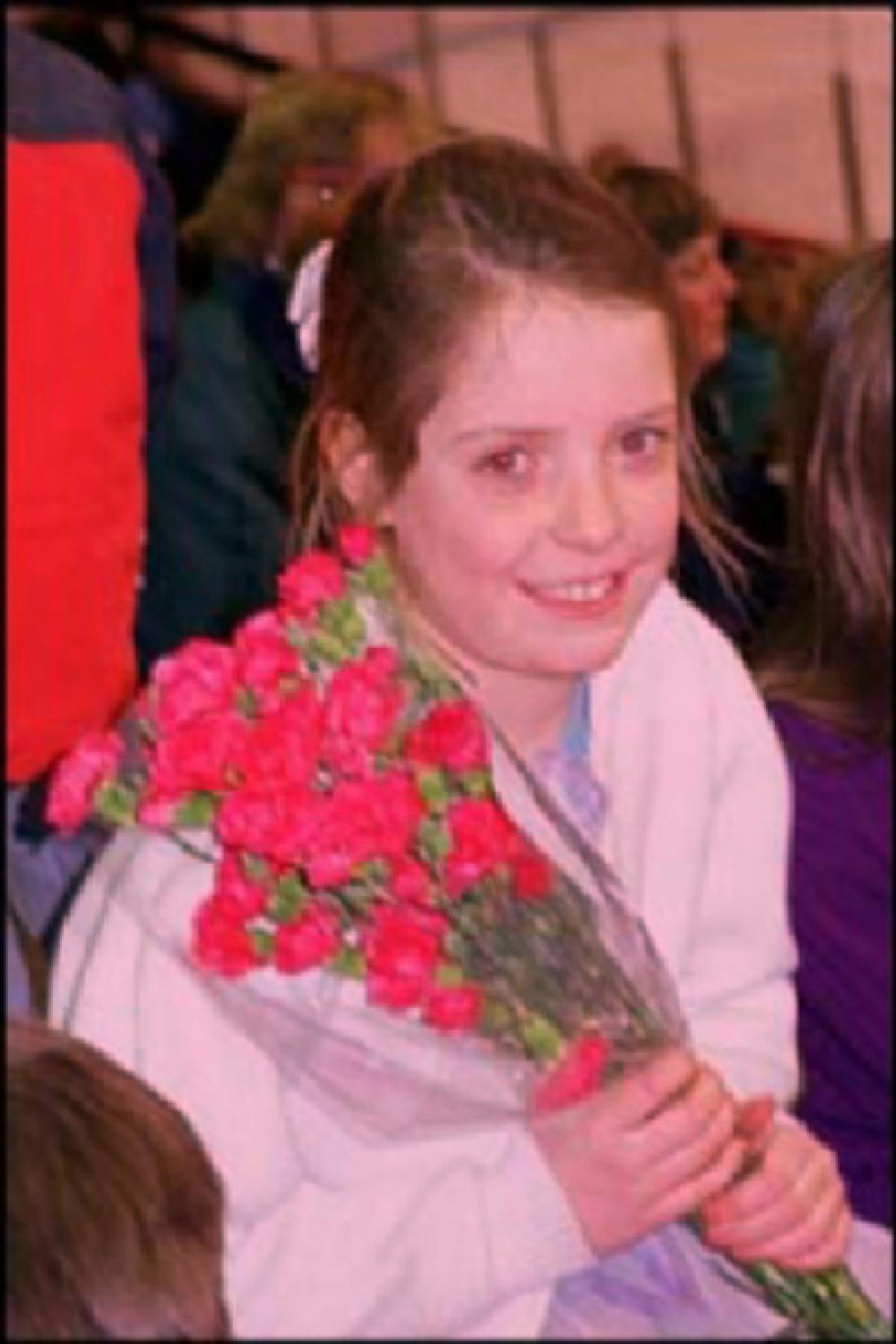
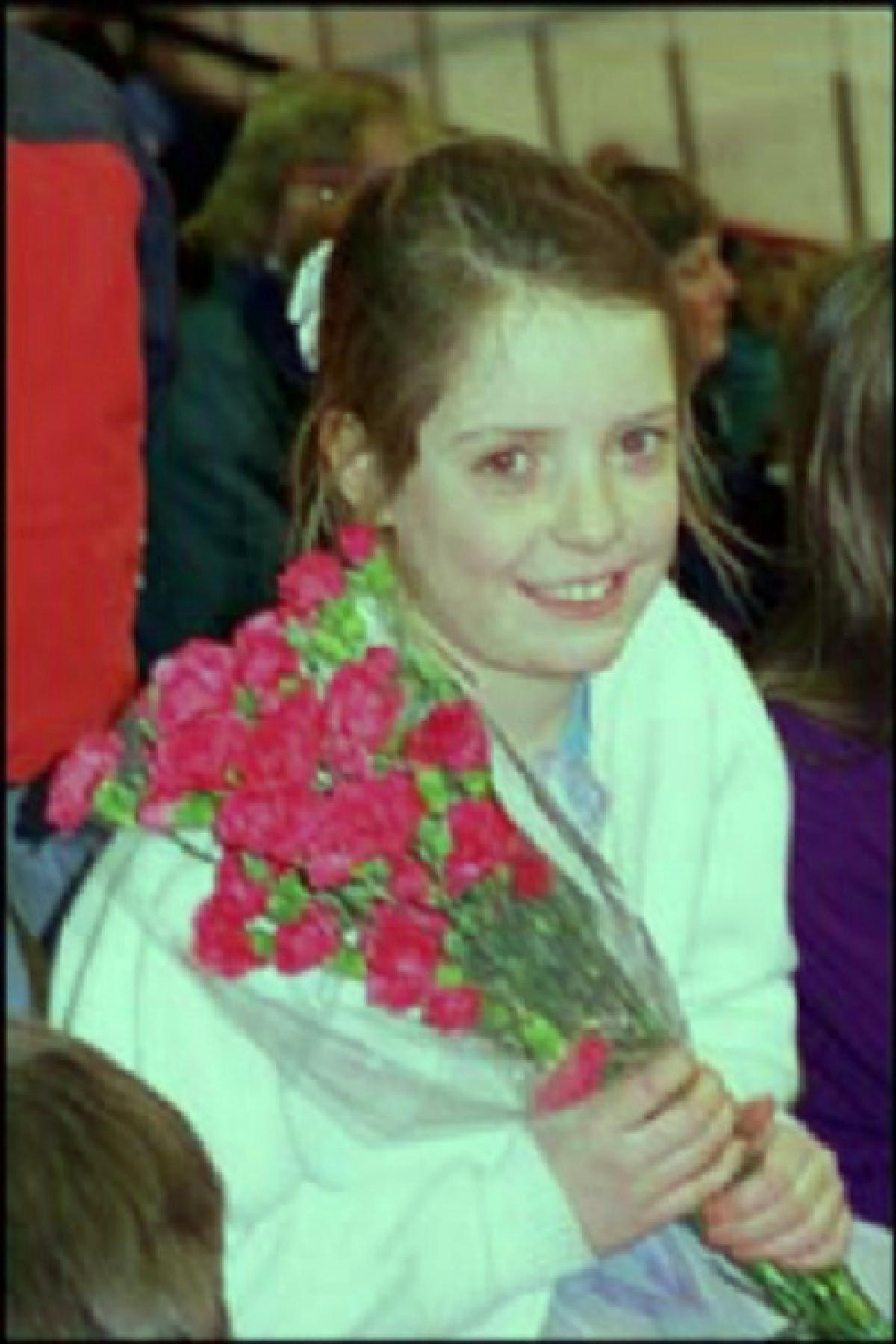
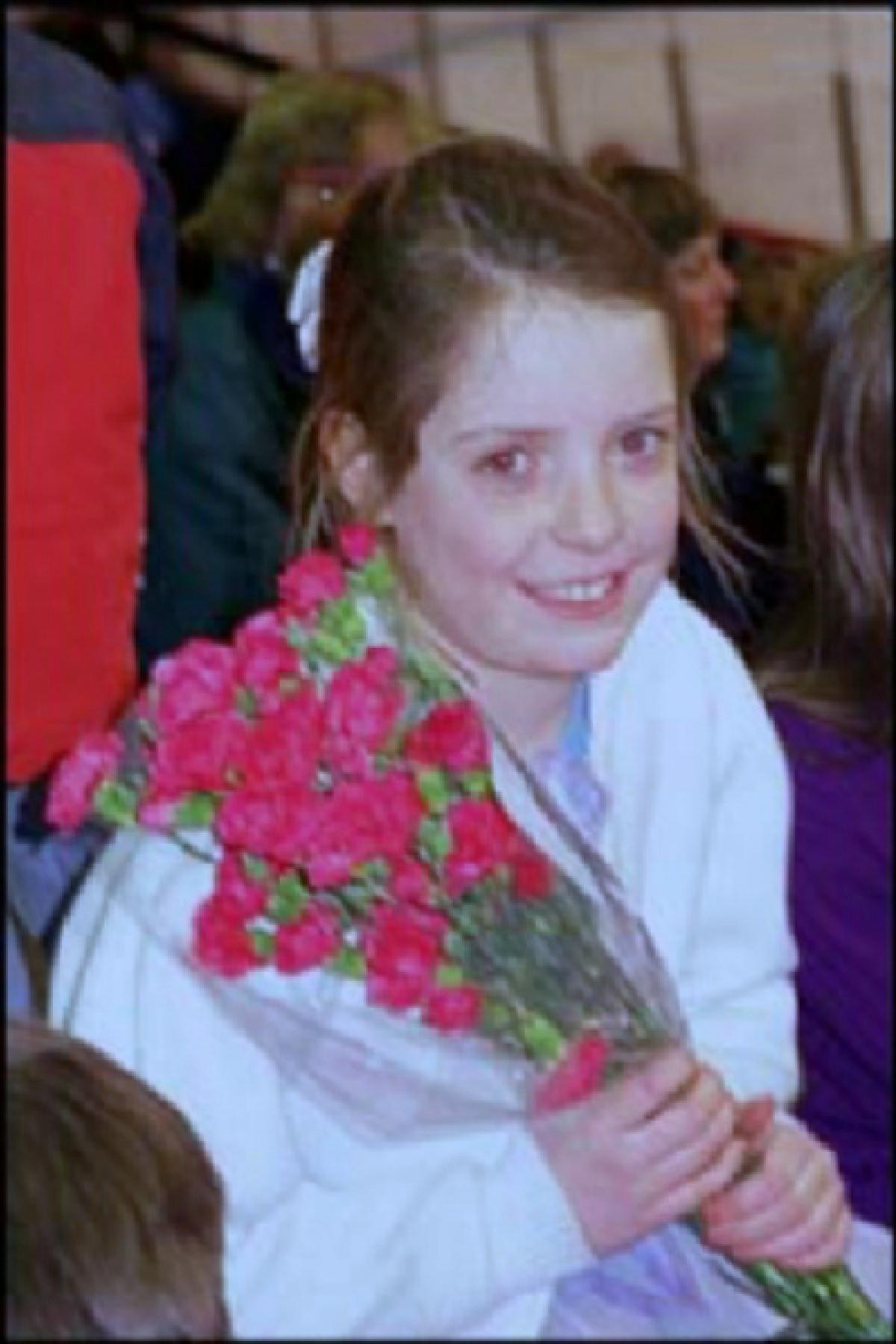
We thought it was a really good idea when Prof. Wandell suggested a set of pictures with "Red Eyes" in them. With most of the recent cameras, "Red Eyes" reduction is a must for most consumers. We wondered whether or not these web photographic companies would be "Red Eye" removal in the post-possession. Moreover, this was the only set of pictures that were taken from a possible real life scene. We could do more color balancing tricks by raising the RGB values of the original picture to a different amount. Thus, we had picture that looked reddish, greenish, and bluish.
[Click on Images to View Larger Size (1200 by 1800)]
|
Cute Little Girl with Red Eyes |
|
|
|
|
|
RGB Ratio to Original Picture |
(1.0,1.0,1.0) |
(1.0,0.75,0.833) |
(0.75,1.0,0.833) |
(0.75,0.833,1.0) |
[Table 3: Test Images for Red Eye and Color Balancing. Click here for Matlab Codes.]
Different color ratio could be attributed to different filtering of the reflection. Or, different illumination light would produce different color picture. Ideally, we wanted to see that pictures with skewed ratio of RGB value to be processed in such a way that the photographs would be pretty close to the original picture. Moreover, that would be wonderful if the red eyes were removed, but we realized that this was an extremely difficult challenge for post-possessing. Thus, the focus was in how the mean color of the pictures changed.
Adding a little bit of Salt and Pepper
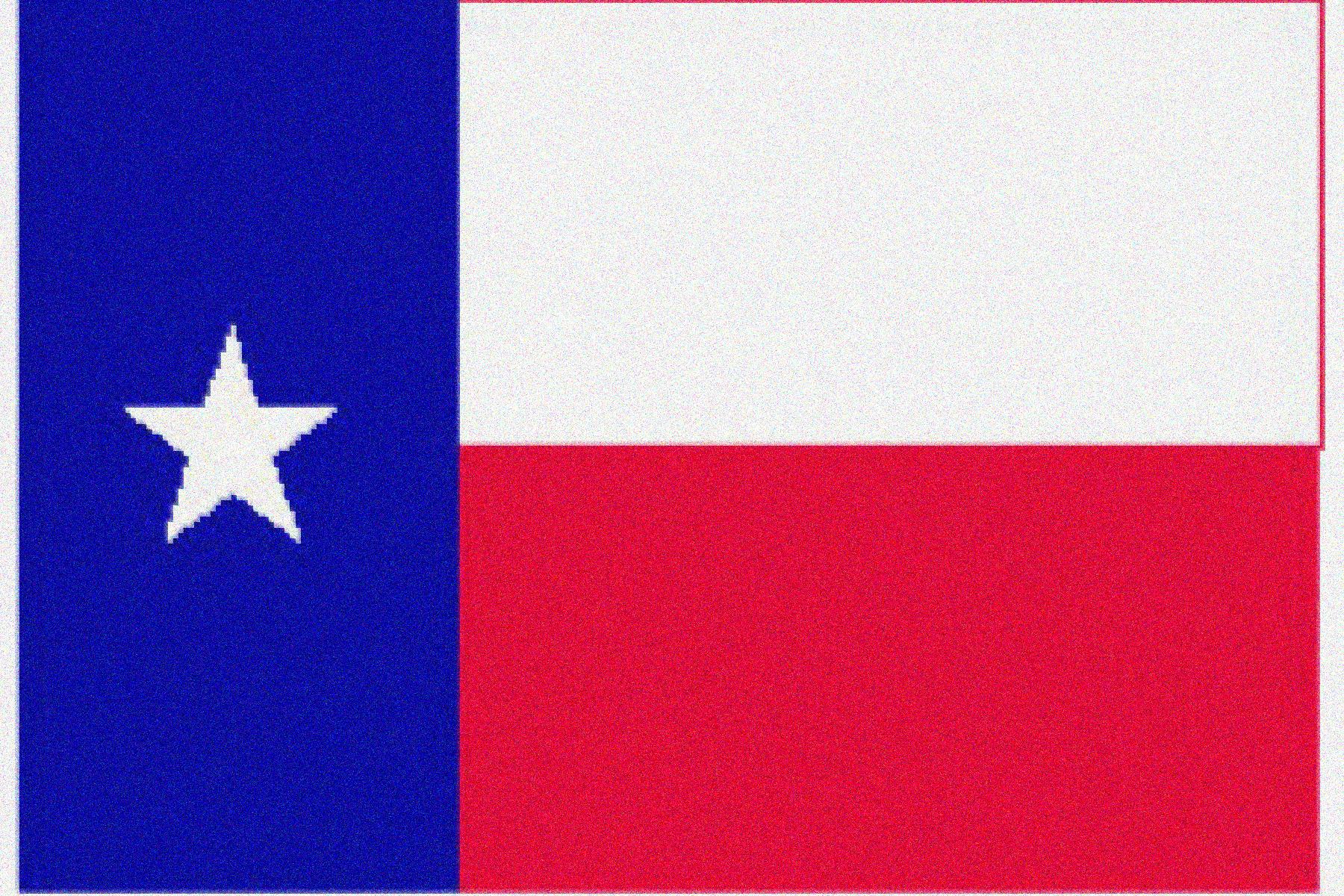
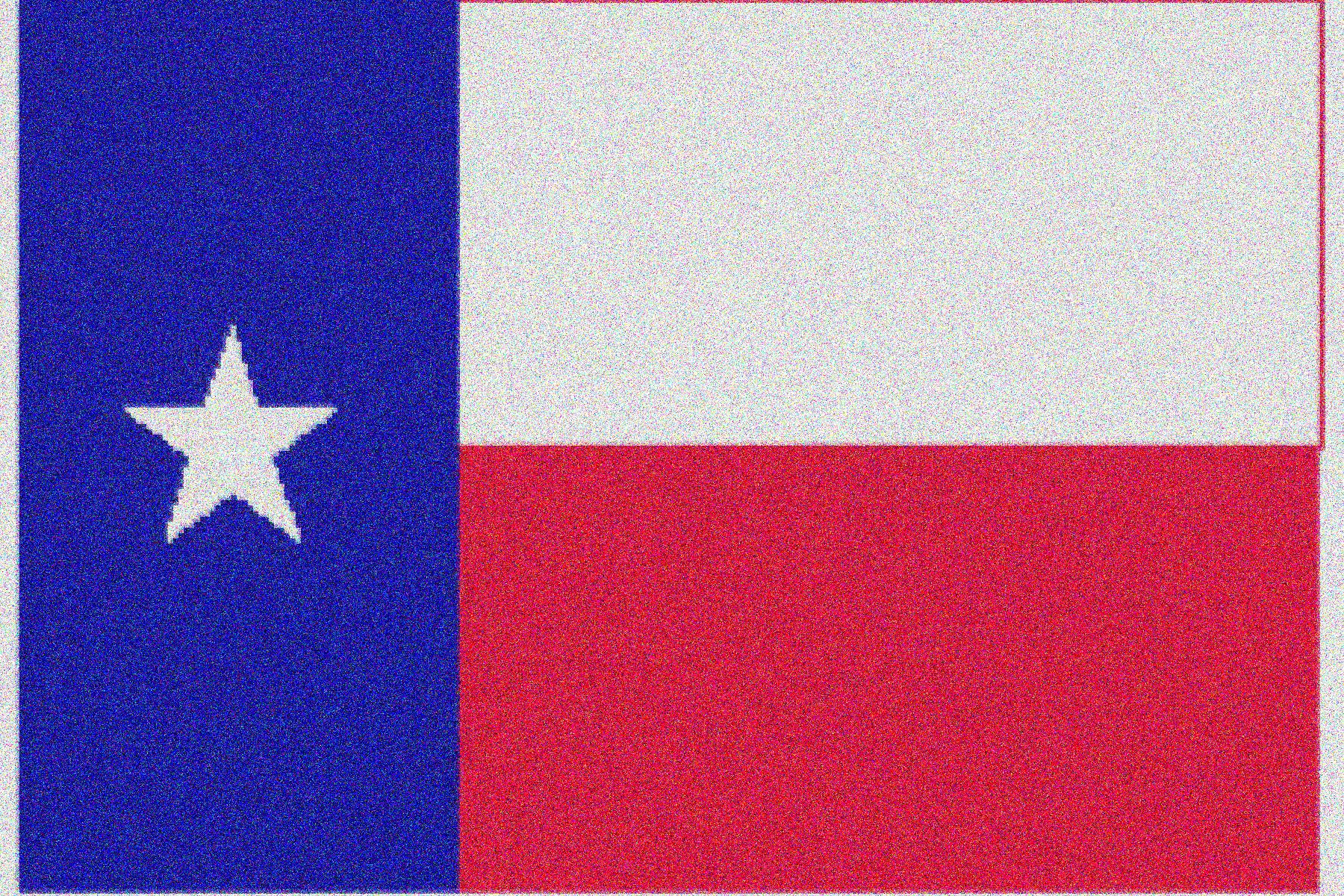
What would happen to random noise on a picture? It was always interesting to discover what kind of noise processing schemes different companies employed to make pictures looked better. Thus, we created images with different variance of Gaussian noise randomly generated by Matlab to add onto the base image. To process images with noise on it, an algorithm must first identify which pixel was noise, and which pixel was signal. Then, different algorithms could be used to determine what was the most likely pixel value if it was indeed a noisy pixel. Intuitively, a lot of processing power would be necessary to perform all these algorithms, but there might be tricks that these companies would do to mask effect of the noise as much as they could by assuming that these images would be most likely seen by a human.
[Click on Images to View Larger Size (1200 by 1800)]
|
Pictures |
|
|
|
|
|
|
|
Gaussian Noise Std Level |
0 |
0.02 |
0.05 |
0.1 |
0.2 |
0.5 |
[Table 4: Test Images for Noise Analysis. Click here for Matlab Codes.]